Top 10 AI Interview Copilots in 2026: Tested & Reviewed
Finding the Best AI Copilot Interview 2026 solution is a six-step process of evaluation:
- Undetectable: Ensuring safety against anti-cheat scripts
- Latency: Checking for <500ms response speeds
- Intent Recognition: Accurately extracting the core question
- Personalization: Generating answers that sound like you
- Coding Support: Handling complex technical/coding challenges
- UI/UX: Ensuring the tool is easy to use under pressure
2026 recruitment is brutal. With platforms like Zoom and Teams now employing advanced anti-cheat scripts, simply using a generic ai interview answers generator is a recipe for disaster. You need a truly undetectable ai interview copilot to secure the offer without getting banned.
The best AI copilot interview tools
InterviewFox
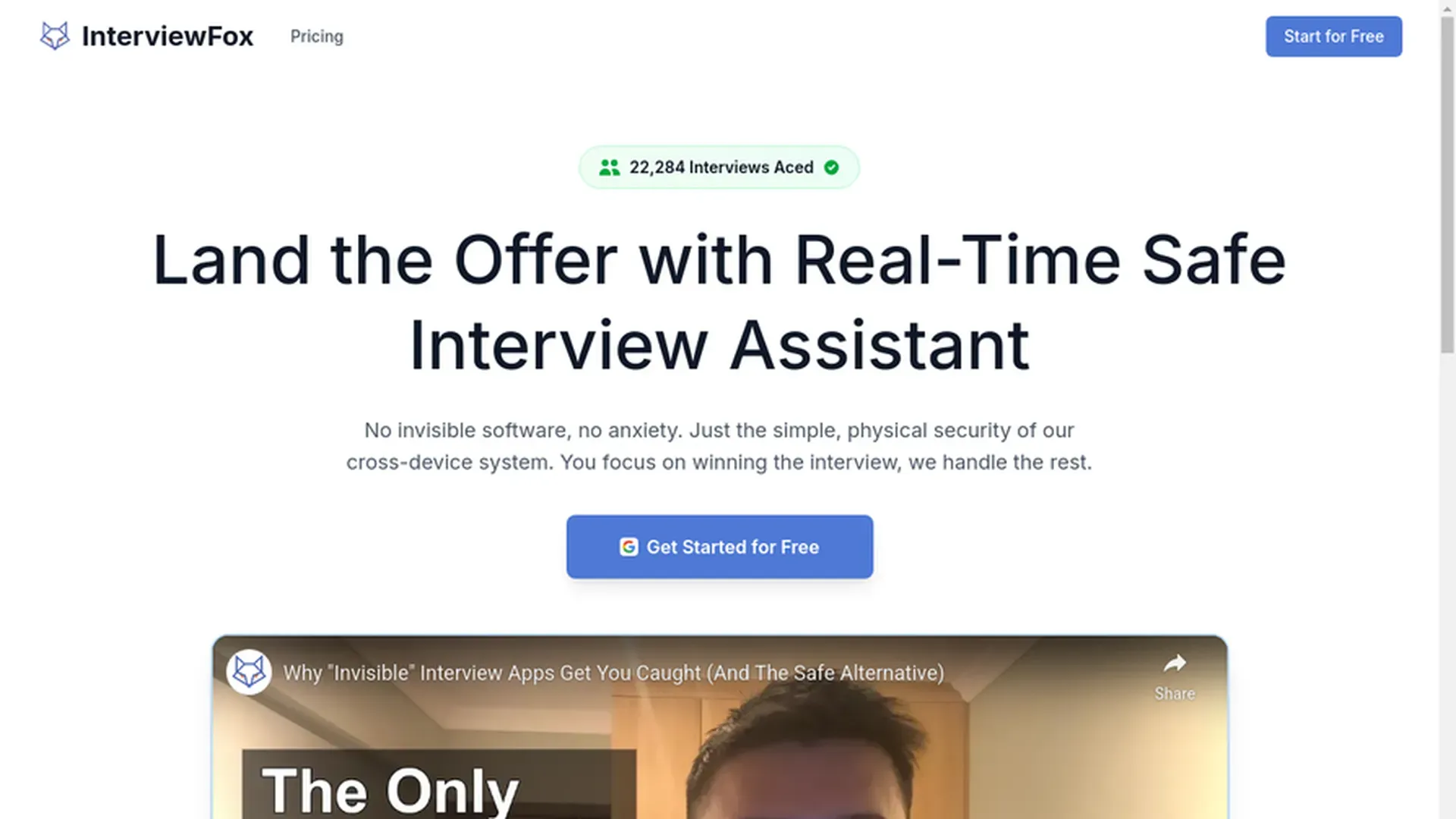
InterviewFox uses a "dual-device" mode to ensure 100% safety. The desktop client acts strictly as a data transmitter, sending audio and images to your phone.
Because answers appear only on your mobile device, the software is the definitive undetectable ai interview assistant.
For example, if an interviewer asks you to "Share Entire Screen," they will see nothing suspicious. The AI output is physically air-gapped from your work computer.
Safety Test for InterviewFox
It also solves the audio problem. Even if you are wearing headphones, InterviewFox captures system audio to generate real-time answers.
In our testing, InterviewFox performed exceptionally well across all key metrics:
- Safety: 5/5
- Latency: 4.5/5
- Accuracy :5/5
- Personalization: 5/5
- Coding Ability: 5/5
- UI/UX: 5/5
Finally, it supports a transparent pay-as-you-go pricing model with per-second billing. The entry-level package starts at $29 for 200 minutes. It also specifically supports UPI payments for users in India.
Parakeet AI
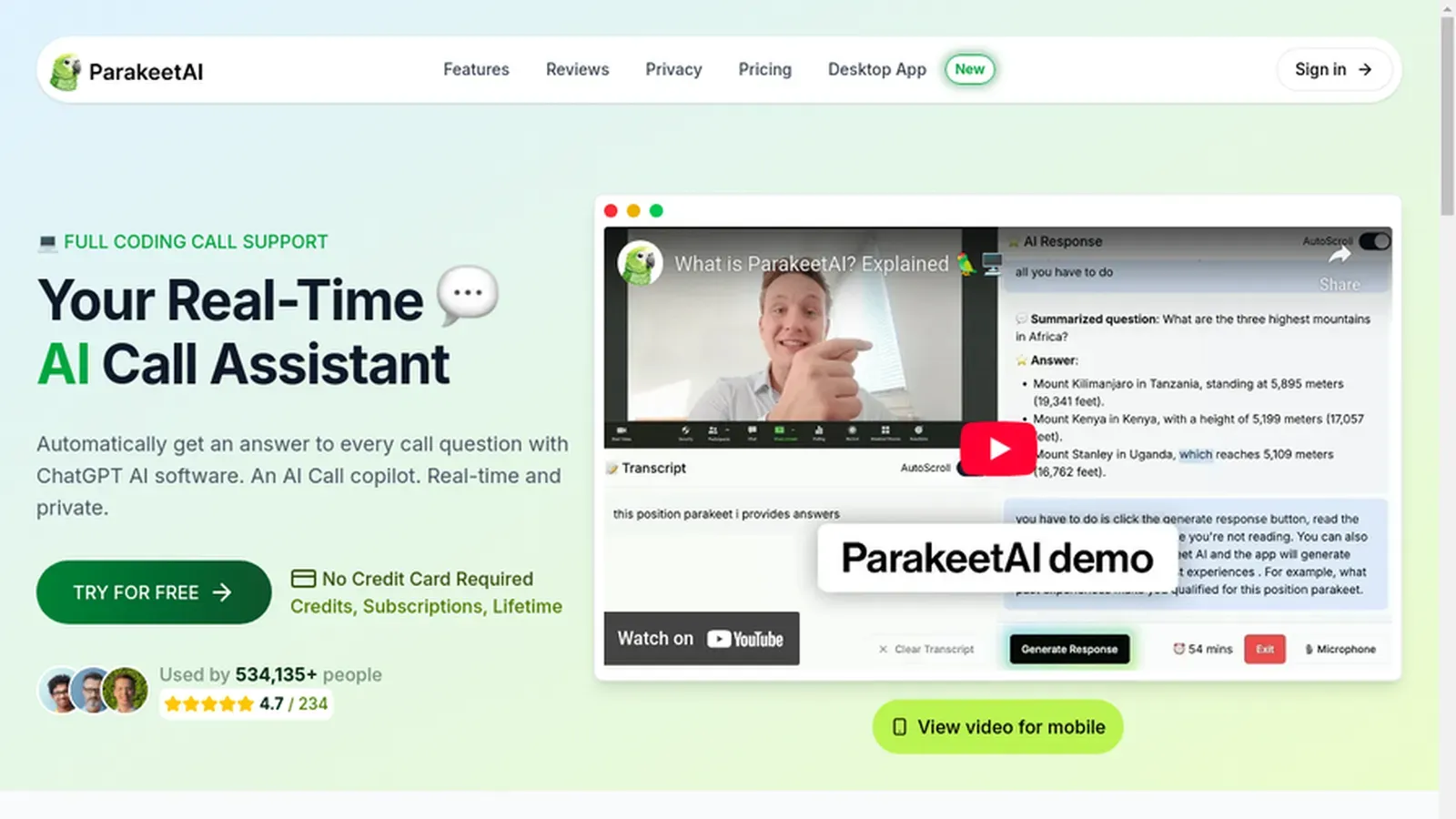
Parakeet AI belongs to the "Invisible App" category and offers a high cost-performance ratio. Like InterviewFox, it provides flexible credit purchase options (pay-as-you-go), making it a budget-friendly choice for many candidates.
The UI/UX is excellent. It is intuitive, clean, and easy to navigate even during a stressful interview.
In our benchmark testing, it put up strong numbers:
- Safety: 3/5
- Latency: 4.5/5
- Accuracy :5/5
- Personalization: 5/5
- Coding Ability: 5/5
- UI/UX: 5/5
However, its core weakness is that it is not truly invisible. In our controlled tests, when we initiated a "Share Entire Screen" session via the Zoom desktop client, the Parakeet AI overlay was visible to the interviewer side.
Safety Test for Parakeetai
Ready for undetectable interviews?
Stop risking your career with non-invisible apps. Get the only safe solution.
FinalRound AI
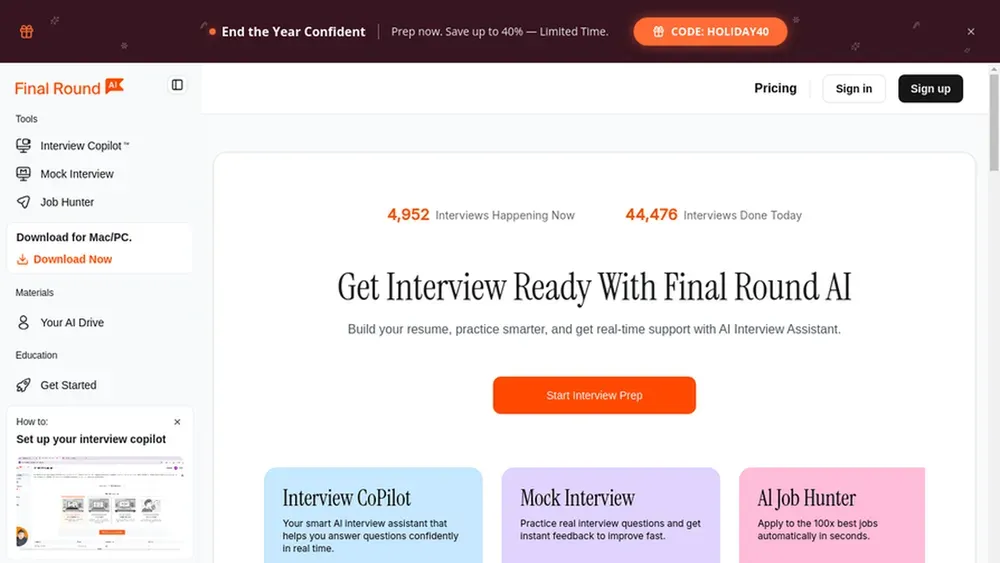
FinalRound AI is the most comprehensive product in this lineup. It goes beyond just real-time assistance, offering a full suite of features including mock interviews and resume optimization.
In our actual testing, it posted mixed results:
- Safety: -/5
- Latency: 5/5
- Accuracy :5/5
- Personalization: 3/5
- Coding Ability: 5/5
- UI/UX: 4/5
The lower personalization score is due to a specific failure in our context test. Although we uploaded a resume with clearly defined projects, the AI failed to incorporate that specific project experience into its answers.
Personalization Test for Finalroundai
Regarding safety, we could not verify its "invisible" claims. The desktop client is strictly gated behind a paid subscription, so we were unable to test its "Stealth Mode" against our Zoom screen-sharing benchmark.
The pricing is also a major hurdle. It is expensive (around $150/month) with no pay-as-you-go option.
Interview Coder(Cluely)
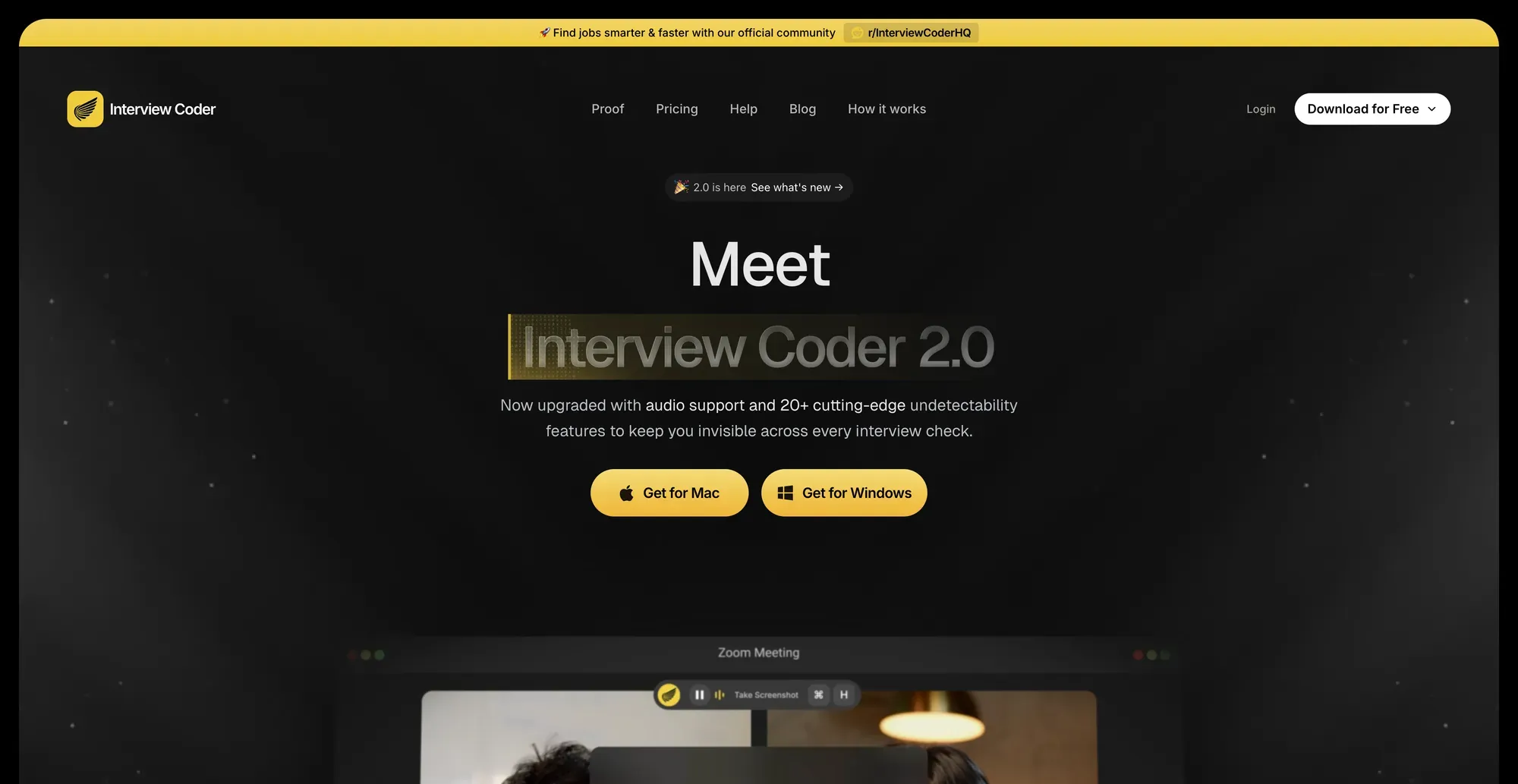
Interview Coder is the predecessor to Cluely. It was one of the first tools to heavily market the "invisible app" model.
In our benchmarks, it posted specific results:
- Safety: 3/5
- Latency: 4/5
- Accuracy: 4/5
- Personalization: 0/5
- Coding Ability: 4/5
- UI/UX: 4.5/5
Regarding safety, its "invisible mode" is misleading. In our Zoom screen-sharing test, the overlay was detected.
Safety Test for Interview Coder
The Personalization score is a flat 0/5. The tool completely lacks the ability to upload a resume.
Consequently, it cannot generate answers based on your specific background or project history.
The pricing is shocking. A monthly subscription costs $299, and a lifetime license runs $800.
Lockedin AI
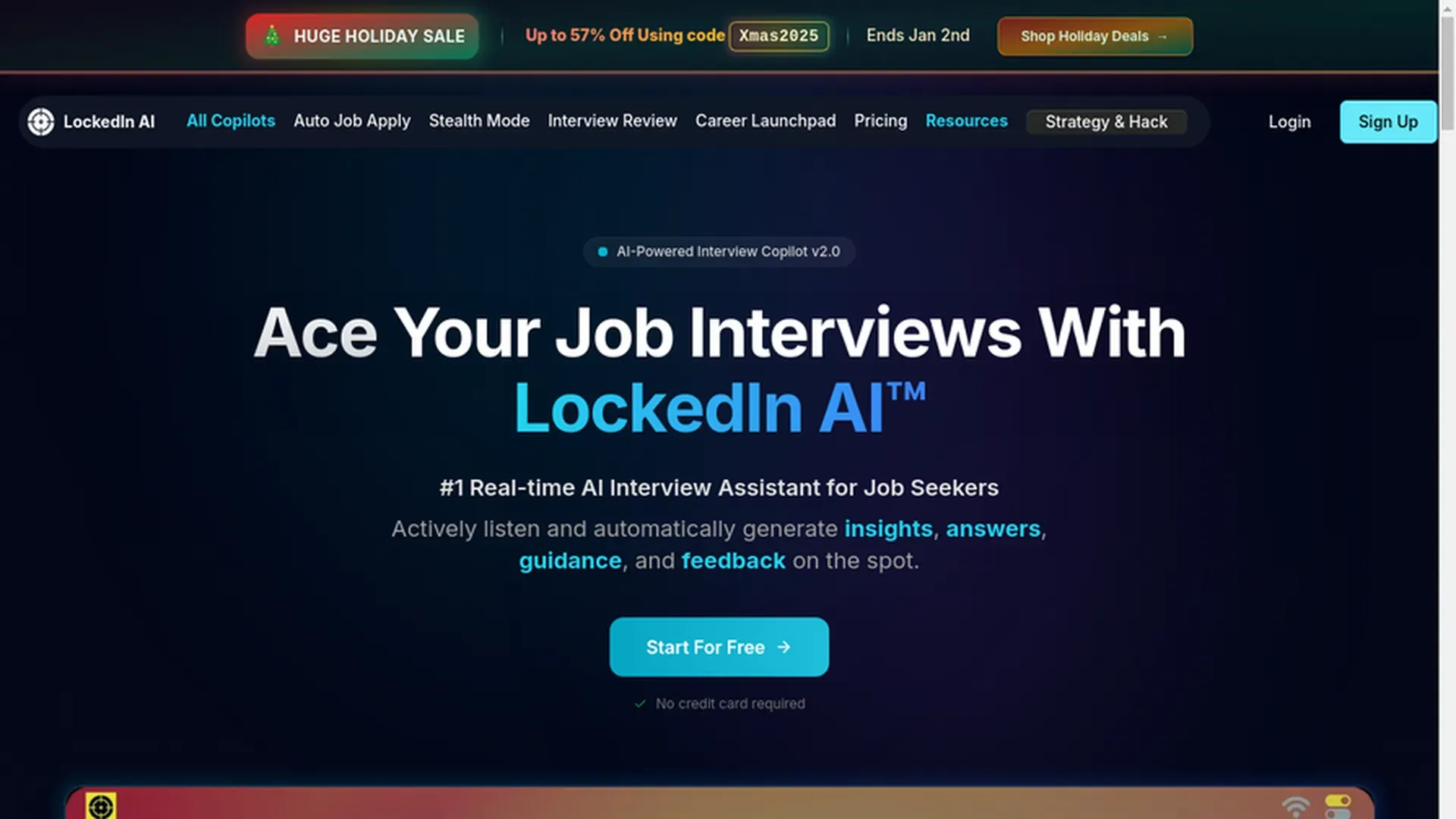
Lockedin AI positions itself as a complete career ecosystem rather than just an interview assistant. It offers a wide array of job search tools, including AutoApply, a Job Tracker, and a Resume Builder.
In our actual testing, it posted mixed results:
- Safety: 3/5
- Latency: 3/5
- Accuracy :4/5
- Personalization: 4.5/5
- Coding Ability: 4.5/5
- UI/UX: 4/5
While accurate, the latency score suffered because the tool was noticeably slow to generate answers in our question bank test.
Speed Test for Lockedin AI
The "Professional" tier boasts a "Stealth Mode" (Invisible App). However, this claim collapsed under testing. Like others in this category, it failed our client-side Zoom screen-sharing test
Safety Test for LockedinAI
Pricing is also rigid. It costs approximately $50 per month with complex tier structures. Crucially, there is no option for pay-as-you-go billing.
Interview Sidekick
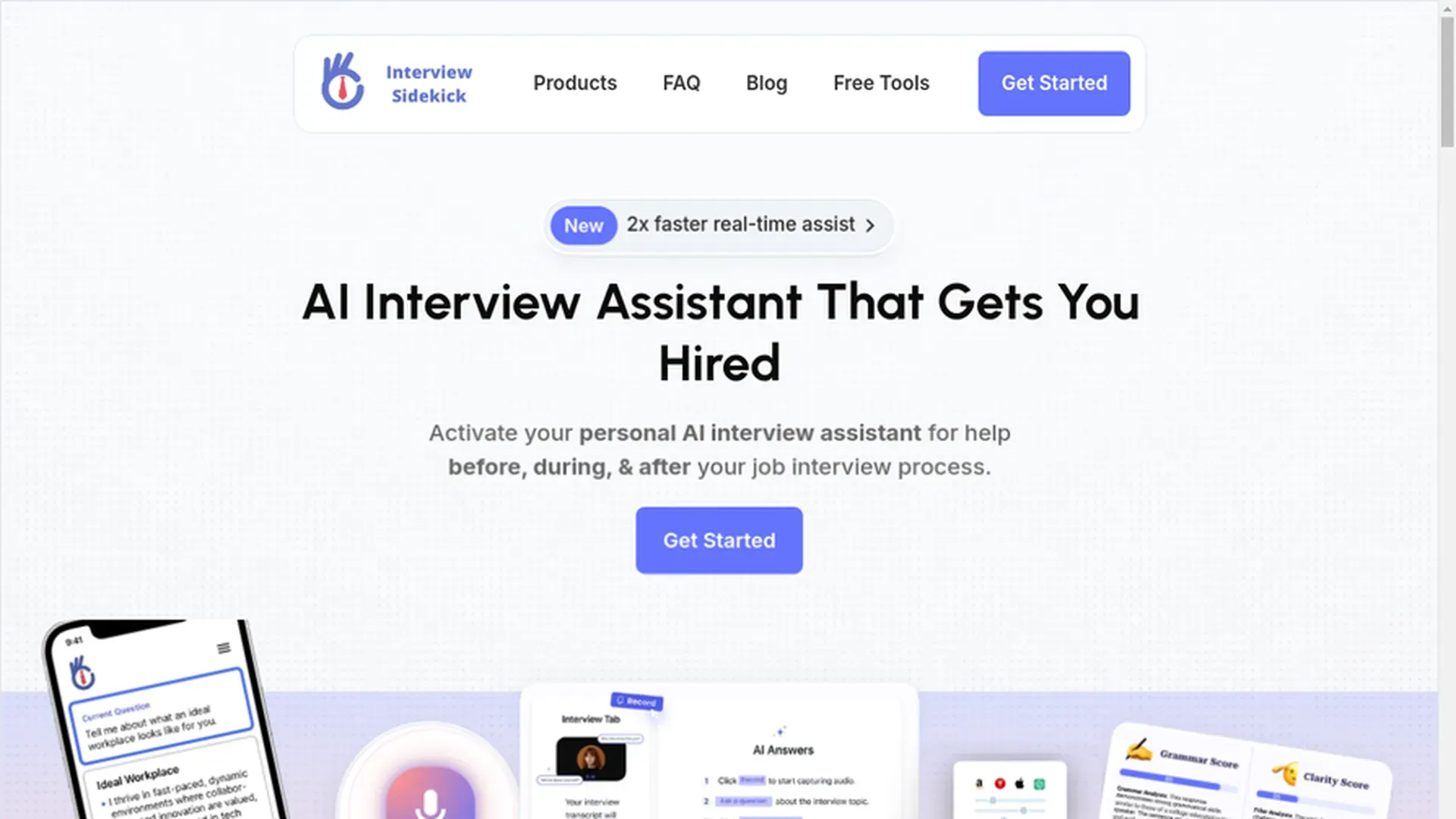
Interview Sidekick is another desktop-based solution that promises discretion. It offers a downloadable client to assist during live interviews.
In terms of raw performance, it posted consistent, albeit average, numbers:
- Safety: 3/5
- Latency: 4/5*
- Accuracy: 4/5
- Personalization: 4/5
- Coding Ability: 4/5
- UI/UX: 4/5
However, like its peers in the "invisible" category, it falls short on safety. Our testing confirmed that its overlay is detected by Zoom's client-side screen sharing hooks
Safety Test for Interview Sidekick
Regarding latency, the score comes with a major caveat. You must manually click a button to extract the question, rather than the AI listening automatically.
Speed Test for Interview Sidekick
The pricing model is a flat $40 per month. It does not offer a flexible pay-as-you-go credit system.
Sensei Copilot
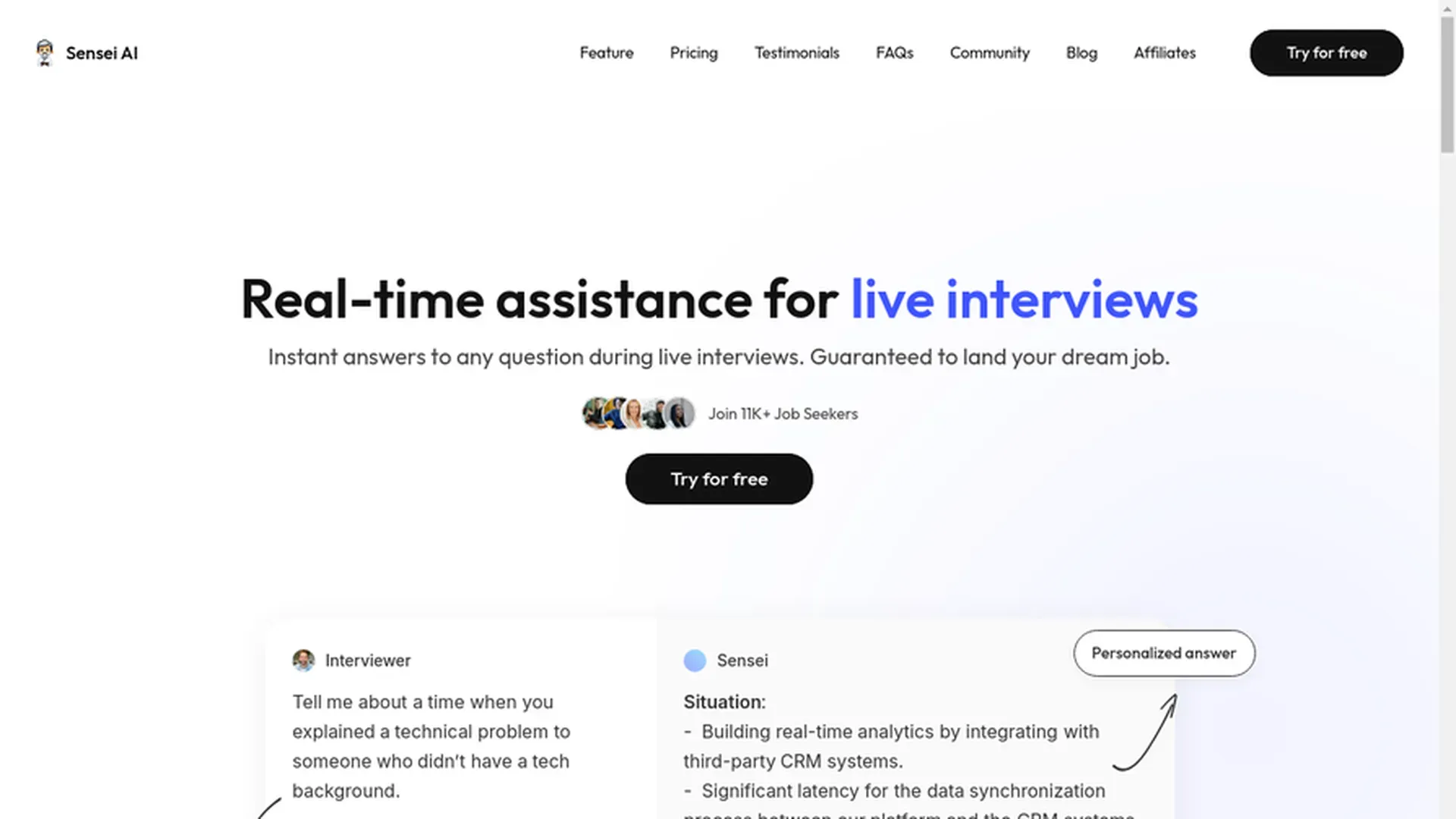
Sensei Copilot represents the earliest product form in this market. It operates primarily as a web-based tool for listening to audio.
In terms of performance, it is a mixed bag:
- Safety: 0/5
- Latency: 3.5/5
- Accuracy: 4/5
- Personalization: 4.5/5
- Coding Ability: 4.5/5
- UI/UX: 5/5
The low safety score is due to its coding support mechanism. To get code answers, you must install a browser extension which modifies the DOM and is visible on screen shares.
Latency is another critical issue. In our testing, the AI was noticeably slow to transcribe and generate answers compared to newer tools
Speed Test for Sensei Copilot
Despite excellent UI design, the pricing is set at $89 per month. This is expensive for a tool with such high detection risks and no pay-as-you-go option.
Beyz AI
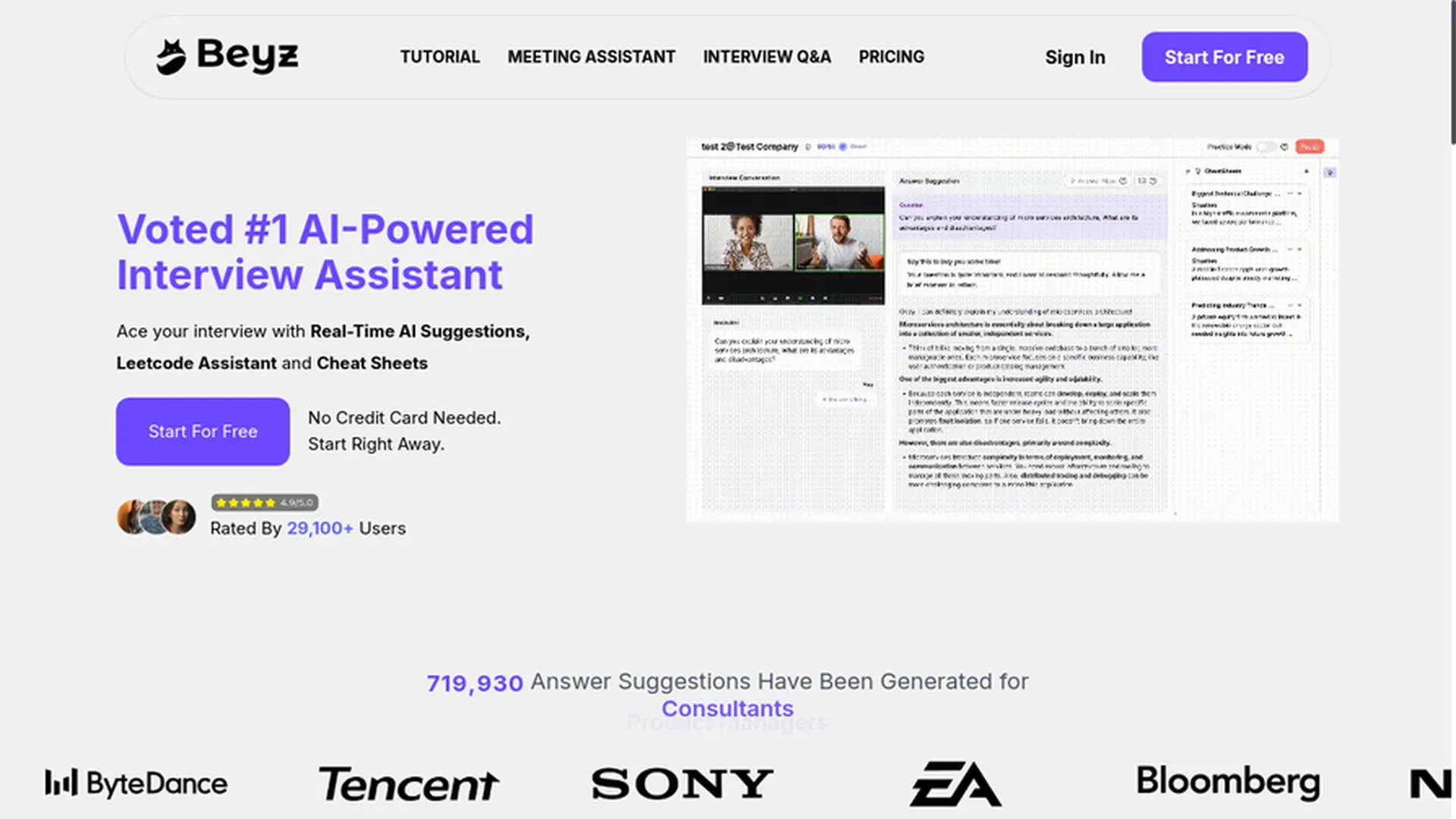
Beyz AI falls into the traditional category. It offers a standard desktop client that claims to assist during interviews.
In terms of answer quality, it is a mixed bag. While it handles technical questions well, it struggles with context.
- Safety: -/5
- Latency: 4/5
- Accuracy: 4/5
- Personalization: 3.5/5
- Coding Ability: 4.5/5
- UI/UX: 4/5
The low personalization score stems from a specific failure in our testing. We uploaded a resume, but the AI ignored specific project details.
Personalization Test for Beyz
Its Safety score is -/5 because we could not verify its stealth claims. The desktop client is gated behind a paywall, making it impossible to test without paying.
The pricing model is also restrictive. The monthly plan costs $50, but it strictly limits you to just 5 interview sessions.
To get unlimited access, you are forced to commit to a quarterly or semi-annual plan. There is no pay-as-you-go option.
interviews.chat
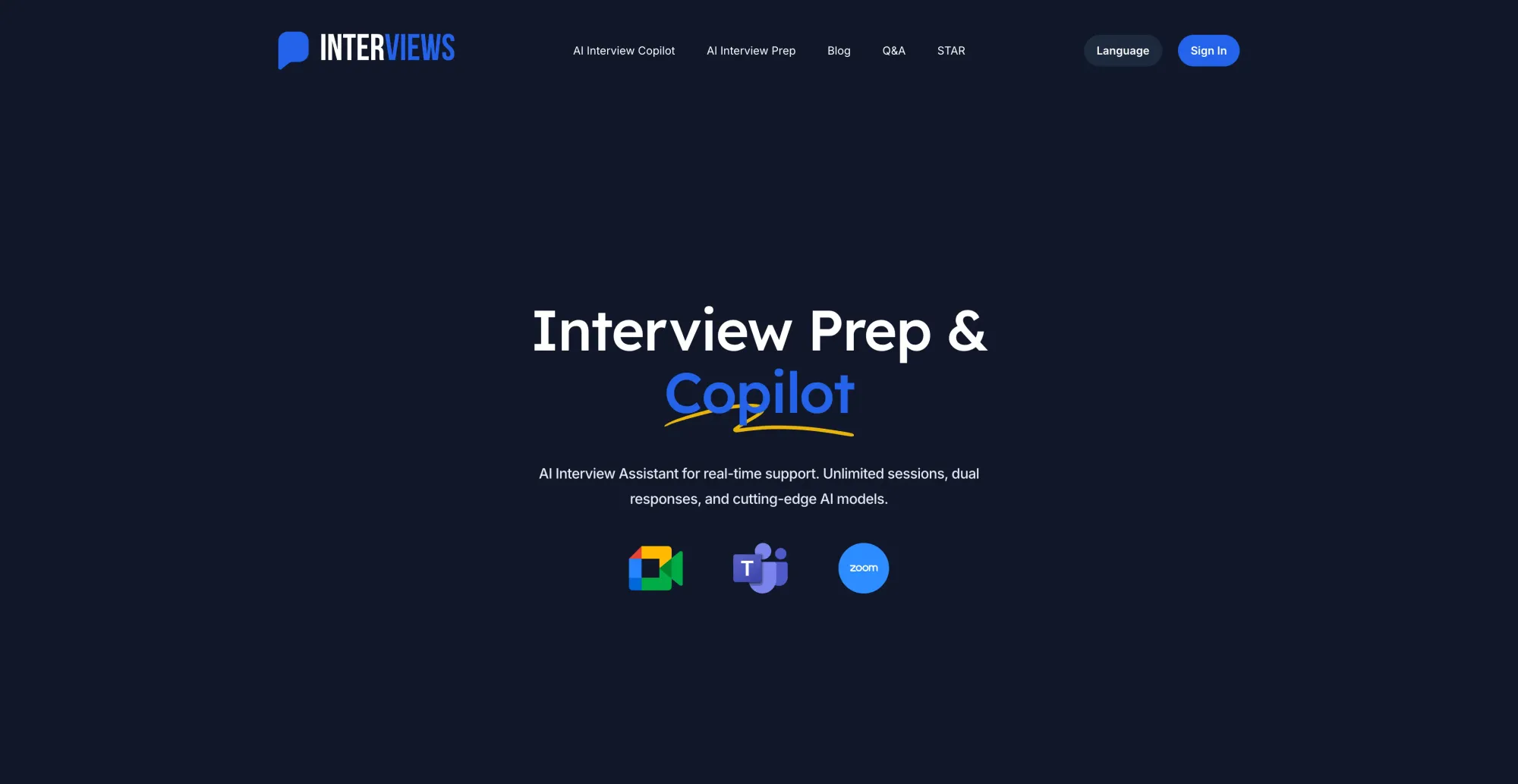
Like Beyz AI, interviews.chat restricts access to its desktop client behind a paywall.
In terms of raw performance, it is the definition of "average."
- Safety: -/5
- Latency: 4/5
- Accuracy: 4/5
- Personalization: 4/5
- Coding Ability: 4/5
- UI/UX: 3/5
Regarding safety, we could not verify any "invisible" capabilities. Because the client is locked behind a subscription, the Security score remains unverified.
The biggest drawback is the interface. The UI/UX is incredibly rudimentary, looking like a prototype thrown together in ten minutes rather than a polished product.
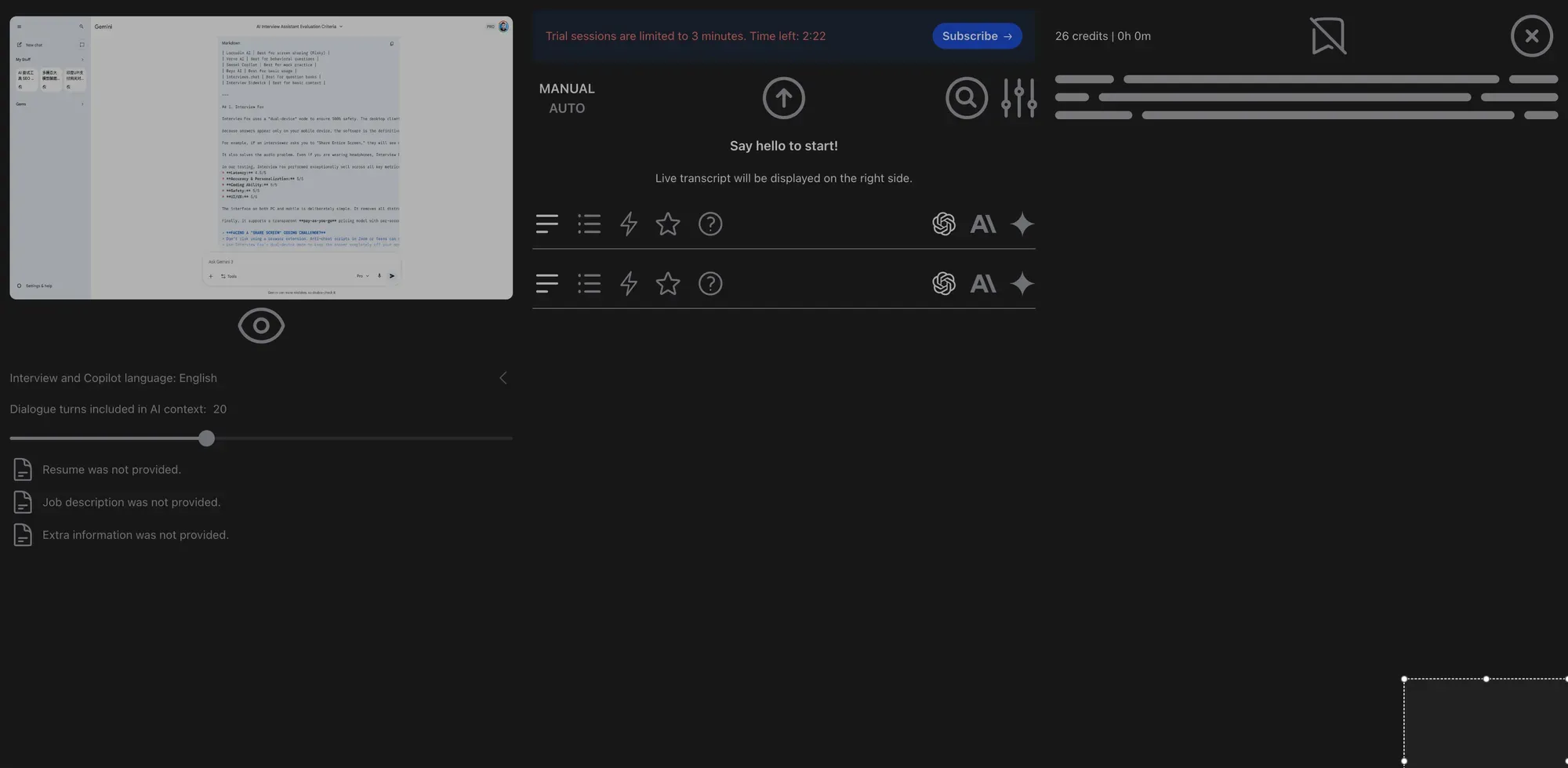
The pricing structure is equally confusing. There are two monthly tiers—$19 and $29—but the distinction between them is unclear.
Verve AI
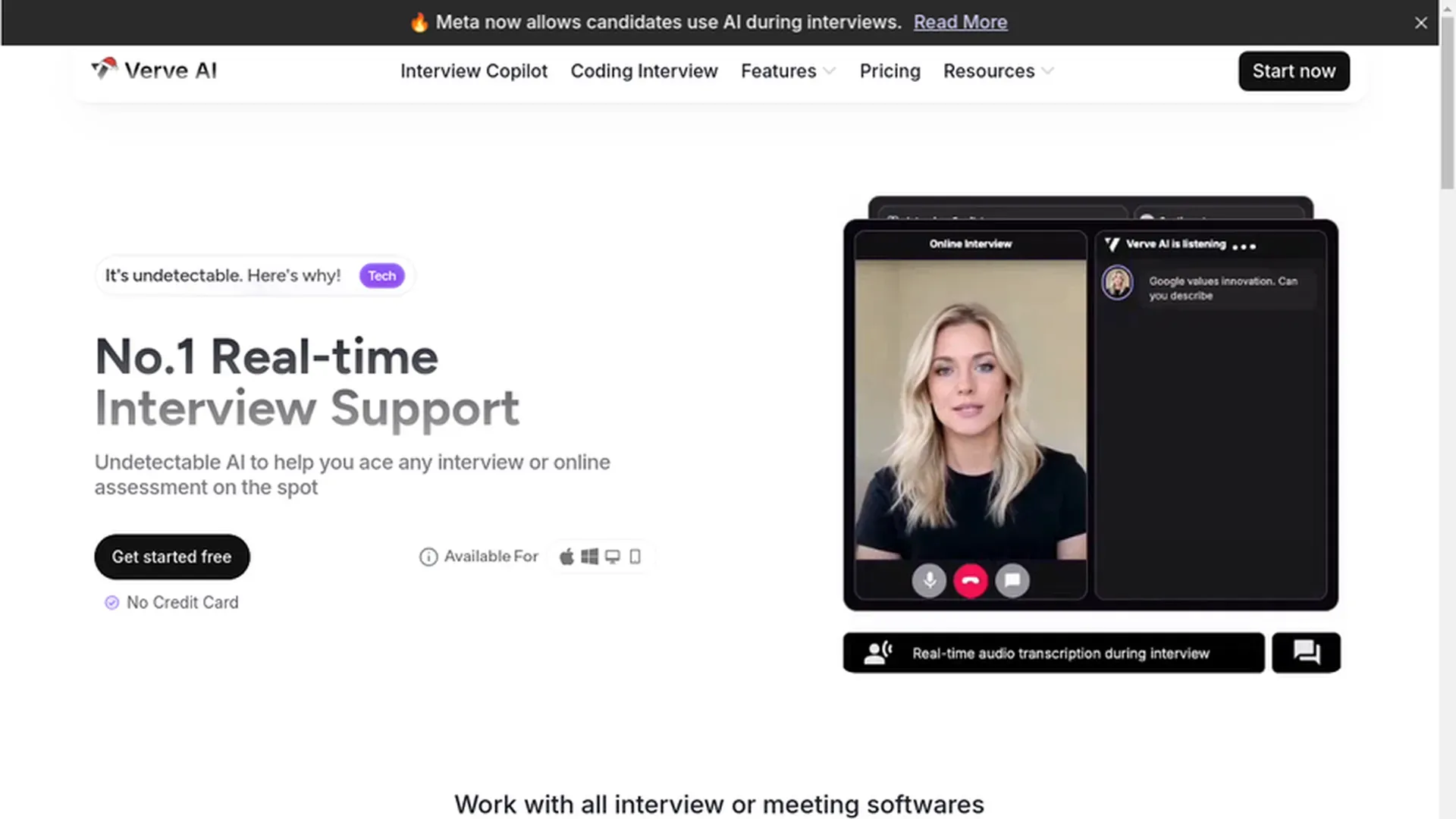
Verve AI is a comprehensive platform that goes beyond simple answer generation. It offers extra features like mock interviews to help you prepare.
In our benchmark testing, it performed solidly across the board:
- Safety: 3/5
- Latency: 4/5
- Accuracy: 4.5/5
- Personalization: 4.5/5
- Coding Ability: 4.5/5
- Latency: 4/5
However, it suffers from the same critical vulnerability as other desktop apps. It provides a downloadable client, but it failed our Zoom screen-sharing test.
Safety Test for VerveAI
On the positive side, it features a unique Knowledge Base Playground. Unlike most tools where you fly blind, Verve allows you to test responses before the interview
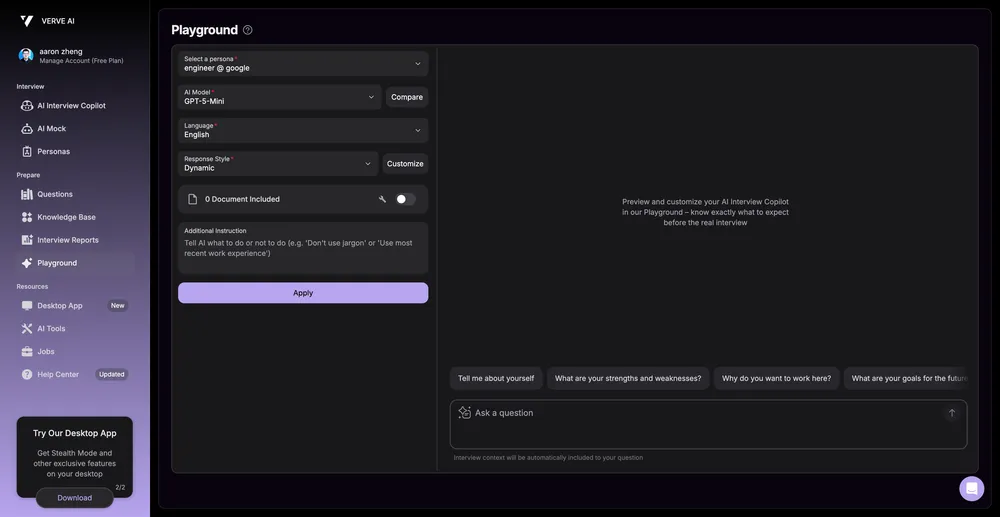
The UI/UX is standard—functional, but not exceptional. It gets the job done without clutter.
The pricing model copies the restrictive strategy of Final Round AI. There are two tiers: Standard ($45/mo) and Pro ($70/mo).
The Standard plan is heavily capped, allowing only 5 interview sessions. There is no pay-as-you-go option.
Invisible App vs. Dual-Device: Which Should I Choose?
If you are certain your interview is strictly browser-based and won't require full screen sharing, an "Invisible App" is acceptable. They effectively hide from simple browser tab captures.
However, if your interview uses a desktop client (like Zoom) or requires "Share Entire Screen," you must choose a Dual-Device solution.
Dual-Device guarantees absolute safety. It eliminates the anxiety of being detected, allowing you to perform with confidence.
Final Thoughts
We believe interview copilots will become ubiquitous in 2026. In an era of exponential AI growth, strictly banning AI assistance during interviews feels increasingly outdated.
In your future work and life, AI will be everywhere. Prohibiting it during the hiring process contradicts the reality of modern engineering, where leverage matters more than rote memorization.
Tech giants are already pivoting. Meta, for instance, now allows candidates to use AI assistance during coding rounds, signaling a massive shift in industry standards.
We will continue to monitor the frontier of interview copilots. Stay tuned to this blog for the latest updates, safety benchmarks, and cutting-edge reviews.
Secure Your Dream Offer Today
Join thousands of engineers who interview with absolute confidence.