

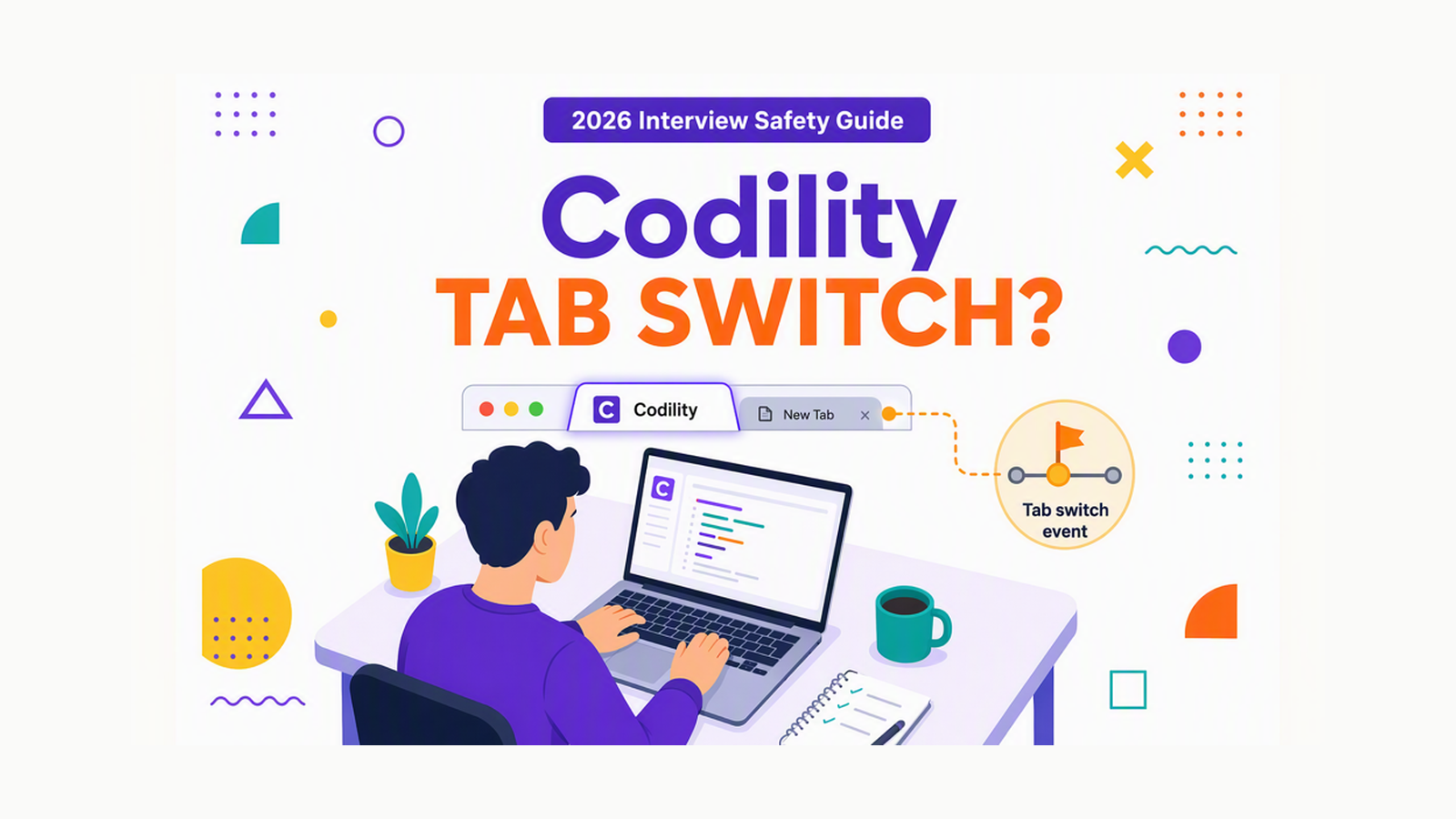
You are about to start a Codility test. You are thinking about switching tabs to look up a solution and you fear being caught. What matters is whether that move will be logged.
Yes. Codility can detect tab switching when Proctoring behavioral events are enabled. But if that setting is off, the event is not tracked.
A yes does not mean every method of assistance is equally visible. Behavioral events, screen capture, and human review create different exposure paths. For example, behavioral logging and screen footage are not the same surface.
The safest device-level answer is a phone-based mode. A dual device AI interview tool shows answers on your phone. No answer surface or InterviewFox process exists on that computer. This mode is undetectable by software on the monitored computer.
Can Codility detect tab switching?
Yes. Codility's Proctoring documentation lists tab switching as one of five behavioral signals. The documented wording is that proctoring monitors whether candidates navigate away from the Codility browser tab.
However, that capability belongs to the proctoring layer. It does not prove that every assessment uses it. The platform separates capability from configuration.
For wider context, review how Codility's detection model links behavioral signals to report review. The guide shows the full integrity view.
Overall, evidence strength is high for the core claim. The source is an official Codility support article retrieved in 2026. Freshness matches current behavior.
Does it work only when proctoring is turned on?
First, proctoring is disabled by default. The recruiter enables it per test. They can enable all signals or select specific ones.
You must also consider timing. Proctoring can only be enabled before the first candidate invite. Existing tests with invites must be duplicated before the feature can be set.
The number of signals you see in the report depends on choices at invite time. If no behavioral signal is enabled, no tab event appears.
Codility also requires candidate disclosure. The session intro shows that event tracking is enabled and which behaviors will be visible. This confirms that monitoring is not hidden. Check that intro before you start.
What exactly happens when you switch tabs?
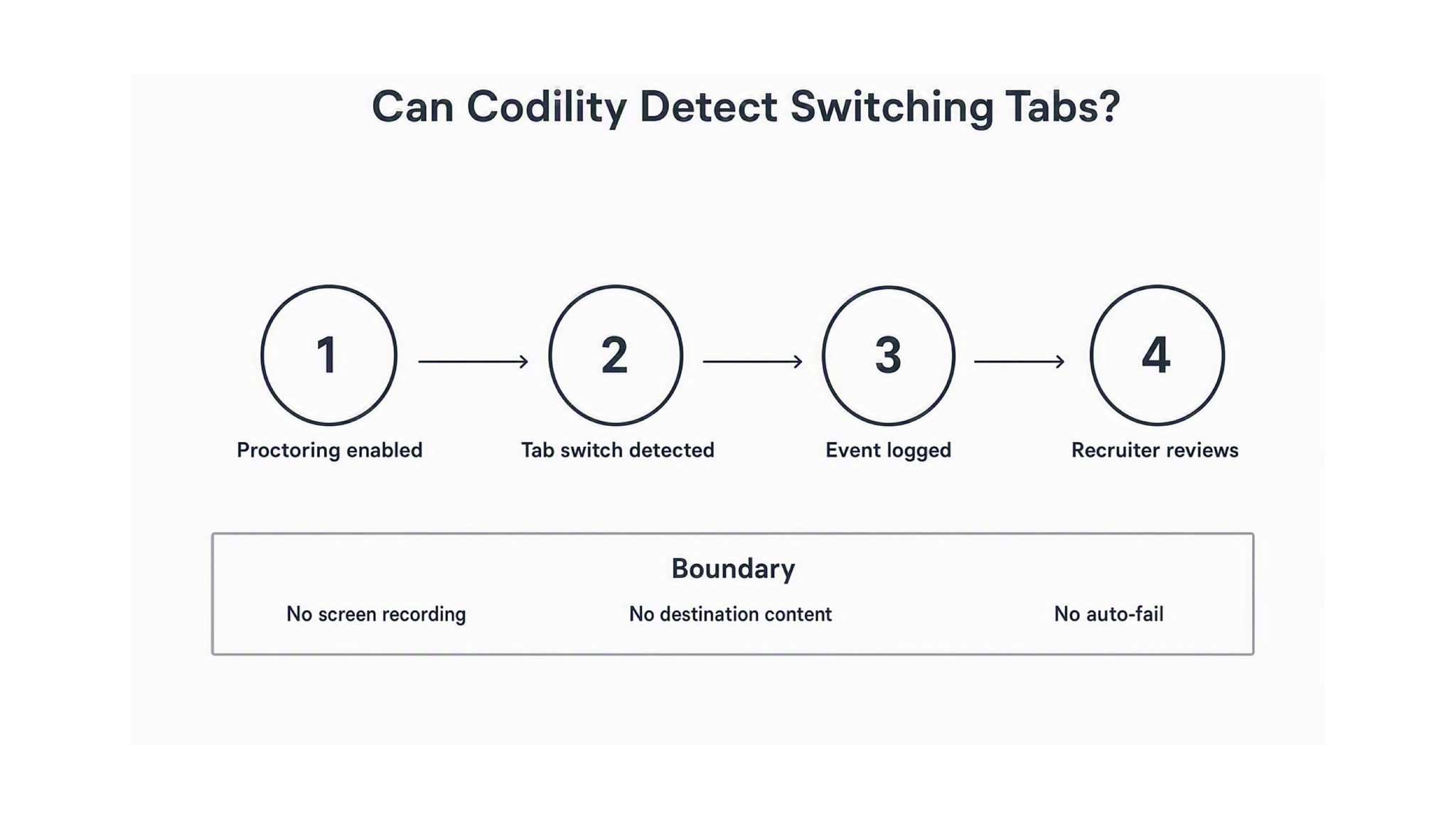
Codility logs the event, not the content of the other tab. Instead, the system records only that you navigated away from the Codility tab. It does not document the destination site or the text you viewed there.
Still, this distinction matters. Many candidates fear that the employer can read the other tab. Verified evidence does not support that fear for behavioral tab detection alone.
Screen capture is a separate path. If the employer enabled screen recording, the candidate chooses a tab, window, or entire screen. That choice defines the recorded surface. Tab-event logging does not require that choice.
A practical check helps. If your test shows no permission prompt for screen or video recording, screen footage is not the path. The tab event may still be enabled. Always separate the two questions.
What the hiring team actually sees
The employer sees a per-event breakdown in the candidate report. For example, the Timeline tab lists behavioral signals in order. You can expand the underlying report to review the sequence.
Tab switching contributes to the Integrity Risk score that Codility rates as None, Low, Moderate, or High. The score uses formulas built with I-O psychologists. Codility states that no AI is used for that calculation. The method combines identity and network checks, behavioral signals, and plagiarism checks.
That score lives in the Assessment Integrity Widget and in Mission Control columns. It helps the team triage reports. It does not act as an automatic rejection.
Codility states that not all behavioral signals alone indicate cheating. The guide says the hiring team must review reports and make informed determinations. That human-review boundary is central to this behavior. A logged event is a signal for review, not a verdict.
Similarly, webcam snapshots follow a different rule. Codility keeps those snapshots for 30 days when enabled. Continuous screen recordings do not share that exact period. Do not transfer the snapshot retention to other modes.
Does one tab switch mean you automatically fail?
No. The graph fact and the official doc share the same condition: logged, not prohibited. This behaviour is a review signal.
However, a single switch does not trigger automatic failure in the documented model. The team reviews the Timeline, the Integrity Risk, and the broader submission. Many teams follow up with a Codility Interview to discuss the solution directly.
Context still matters. Repeated switching, combined with other signals like pasted code or unusually fast completion, can raise the overall risk picture. One event alone is not the same as a pattern.
If you are uncertain about a policy, use the Assessment and Hiring Policies section. That section lets teams define expectations for the specific test.
How to avoid getting flagged on a Codility test
Use the specific assessment setup as your source of truth:
- Read the session introduction. Note every enabled feature and the policy text.
- Check whether it names Proctoring, behavioral events, screen recording, snapshots, or session recording.
- Read the permission request. Confirm whether it asks for a tab, window, or entire screen.
- Keep to one monitor and the latest browser version when required.
- Ask the test owner about any unclear prompt before you start.
Stay on the Codility tab during the task. Avoid copying the task description, even if the editor blocks it. That action is also monitored as a behavioral signal.
If a technical issue forces you off the tab, tell the hiring contact promptly. Documented timelines make later review possible. Preparation reduces the temptation to switch at all.
If preparation is the deeper need, the InterviewFox Prep Agent can help. It offers a resume review, a prep plan, and mock support through WhatsApp or SMS. That workflow also carries context into live assistance when the interview moves beyond a single test.

Answers On Your Phone, Not Your Shared Screen
Skip the risky invisible-overlay tricks. Our dual-device mode keeps answers on your phone, never on the screen you're sharing or recording. Nothing for a platform or interviewer to catch, because there's nothing on the shared screen to find.
Get started. It's freeLoved by 100,000+ candidates
Keeping assistance off the monitored computer
Screen recording and behavioral logging expose anything on the monitored computer. In contrast, a separate device removes that surface.
InterviewFox's dual-device mode shows answers on the phone. The monitored computer has no answer surface, overlay, or InterviewFox process. For this reason, software on that computer cannot detect this mode.
Place the phone near the laptop camera or within your natural forward sightline. Do not keep it in your lap or far to one side. A poor position creates a noticeable off-screen gaze shift that a camera or reviewer may notice.
For a proctored written setup, a dual device AI interview helper keeps answers on the phone. The assistant process stays off the monitored computer.
Answers On Your Phone, Not Your Shared Screen
Skip the risky invisible-overlay tricks. Our dual-device mode keeps answers on your phone, never on the screen you're sharing or recording. Nothing for a platform or interviewer to catch, because there's nothing on the shared screen to find.
Get started. It's freeLoved by 100,000+ candidates
What else does Codility monitor?
These checks are separate from tab switching. Each one depends on the features enabled for that specific assessment. The following bullets are complete without links, and required live pages decorate already-complete prose.
- Behavioral signals at platform level: Codility's overall model groups tab events with verification and plagiarism checks into a single integrity view. This broader framing explains how a single tab switch fits the full report.
- When screen footage is the concern rather than a simple event, it helps to clarify whether Codility's screen recording captures your desktop or just the tab you shared.
- When camera capture is the worry, a concrete next step is to understand how Codility's webcam snapshots are triggered and how long they are kept.
- Copy and paste behavior: any paste into the solution area can be monitored and the pasted code can appear in the Timeline. To understand whether Codility only logs a paste or blocks it, read how copy and paste tracking is actually configured.
- Typing pattern detection – Preview: after-submission analysis of typing structure that can flag re-typed AI output. It is not live keylogging.
- Device and network checks: IP and device consistency signals with a documented false positive for legitimate connection changes.
- Plagiarism and similarity checks: cross-checks against prior submissions and known AI-generated solutions.
FAQ
Can Codility see which site you switched to?
No evidence supports destination capture for the behavioral tab signal. The logged event is that you left the Codility tab. Screen recording would only show the surface you chose to share if that feature is separately enabled.
Will an accidental single switch get me flagged?
It can be logged if proctoring is on, but a single event is not documented as automatic failure. The hiring team reviews the Timeline and Integrity Risk with other signals before deciding. Follow-up interviews are common for uncertain cases.
Is tab switching detection the same as screen recording?
No. Tab switching is a behavioral event in the Timeline. Screen recording is Live Multimedia Proctoring. It needs an Allow permission and a surface of tab, window, or entire screen. They are configured separately.
Does Codility use eye tracking to detect tab switching?
No official Codility source lists eye movement tracking among the five behavioral categories. The documented categories are copy-paste, tab switching, time on task, task-description copying, and typing pattern. Eye tracking is not part of that set.
What happens if I do not allow screen or video permissions?
The documented path cannot proceed with that session without the required permission. The evidence does not define one universal retry or outcome for every mode. Your test owner should confirm the next step.