

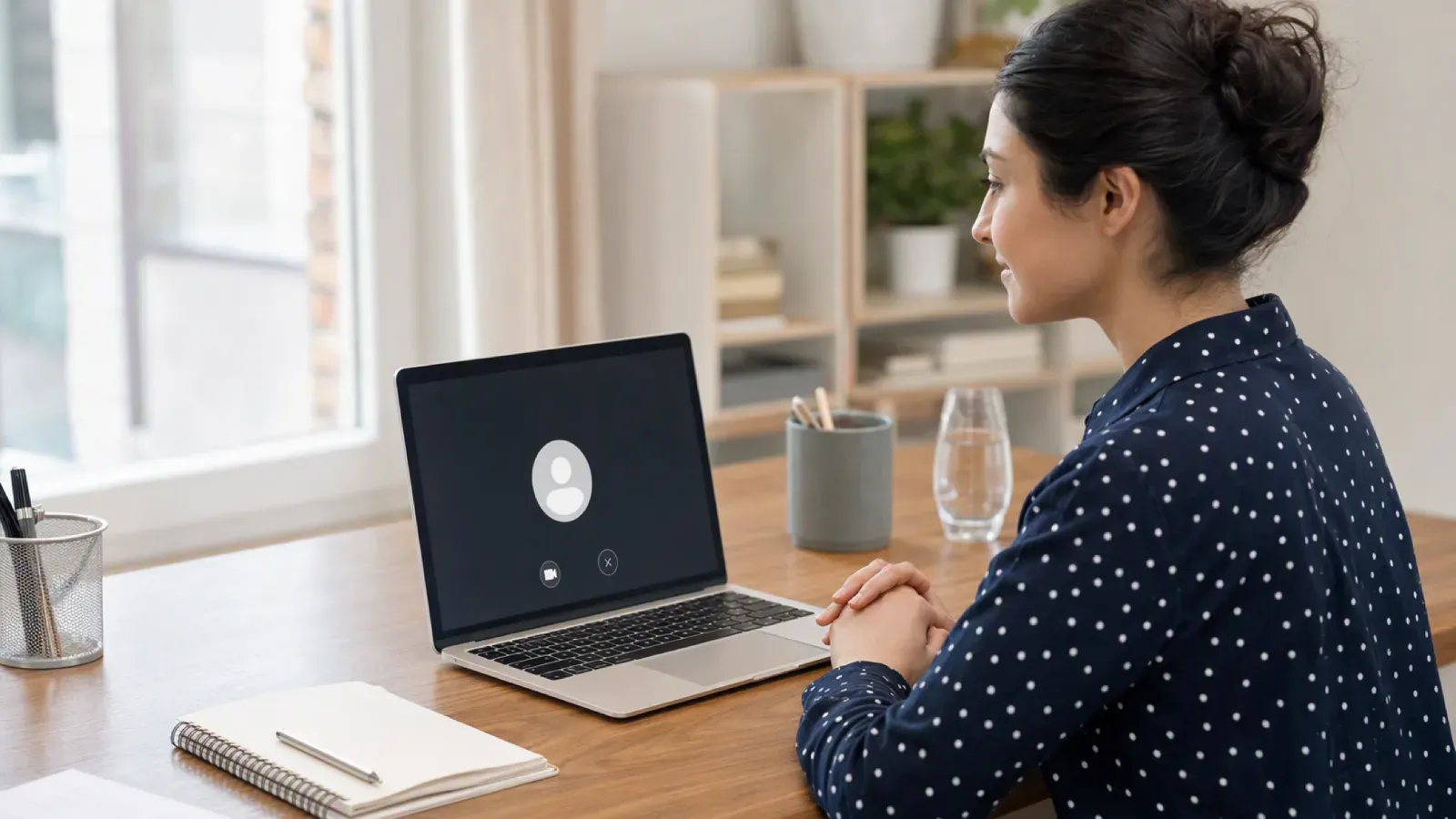
You are about to start a CoderPad interview and are weighing whether to get help. The worry behind your search is whether the platform's camera will expose what you do.
Yes, a camera can be involved, but only as employer-enabled live video or snapshot proctoring. It is never a hidden, always-on recorder.
A live interview shows your face to the interviewer, and Screen records your screen and snapshots. A safer setup keeps your answer surface off the monitored computer.
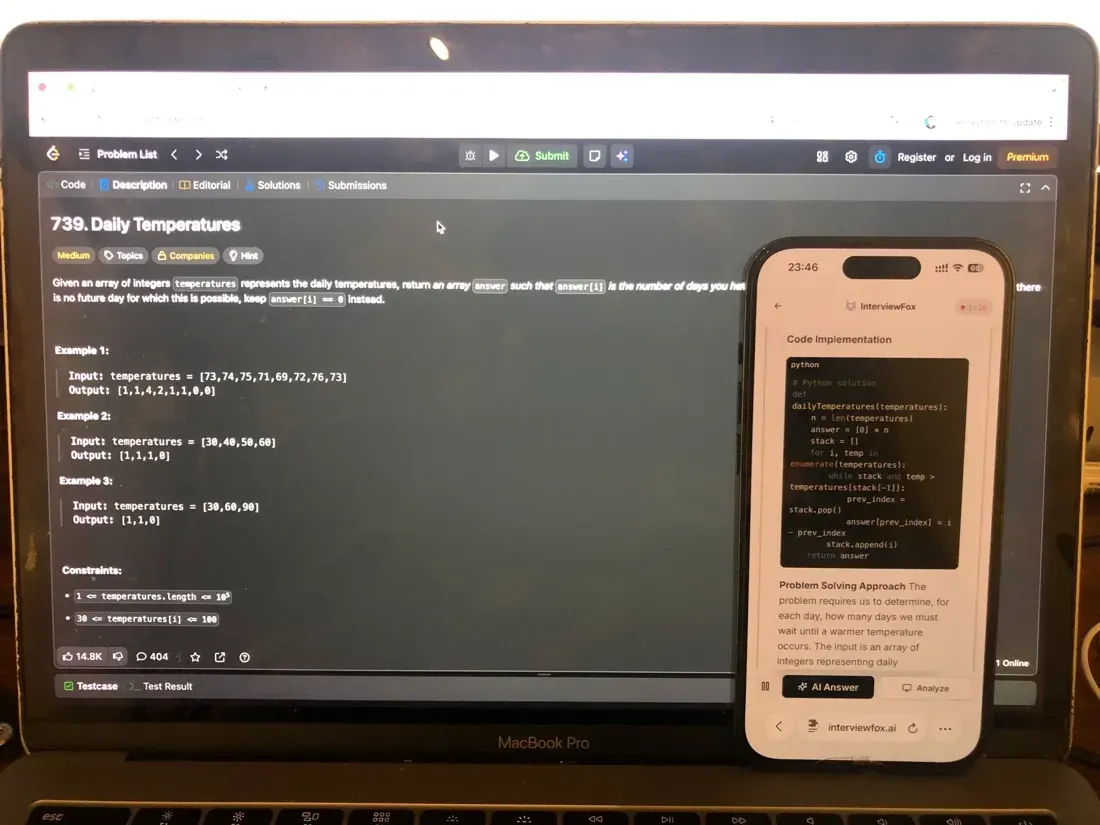
InterviewFox's dual-device mode is undetectable by software on the monitored interview computer. Your answers appear on your phone instead. A live AI interview helper keeps help on that separate device.
Is there a camera in a live CoderPad Interview?
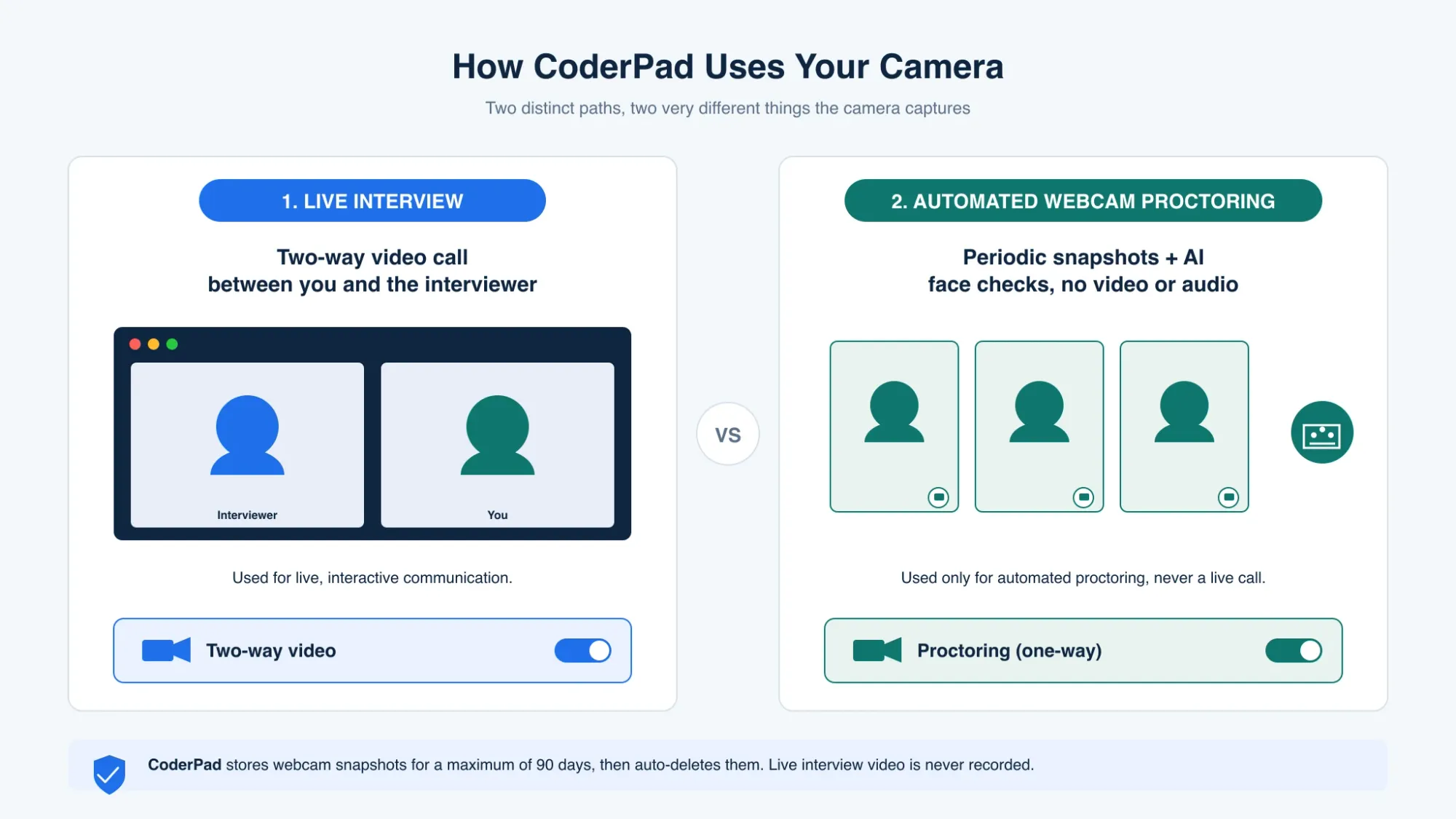
A live CoderPad Interview can use two-way video and audio. During the call, the interviewer enables it in the pad settings. You can see and hear the interviewer while you work.
Instead, this is a communication feature, not automated proctoring. However, the session playback records in-pad activity only. It does not record the video or audio stream.
The interviewer can watch you during the live call. Therefore, a same-device answer could be visible to that person.

Answers On Your Phone, Not Your Shared Screen
Skip the risky invisible-overlay tricks. Our dual-device mode keeps answers on your phone, never on the screen you're sharing or recording. Nothing for a platform or interviewer to catch, because there's nothing on the shared screen to find.
Get started. It's freeLoved by 100,000+ candidates
Screen also records your coding screen and captures webcam snapshots. For example, if your answers showed on that shared screen, the interviewer could see them. An AI interview tool in dual-device mode keeps your answers on your phone instead.
InterviewFox's dual-device mode is undetectable by software on the monitored interview computer. Therefore, no answer surface or InterviewFox process exists on that machine. Place the phone near the laptop camera or within your natural forward sightline. This avoids the downward glance a phone in your lap would create.
Does CoderPad Screen use webcam proctoring?
CoderPad Screen can enable webcam proctoring for some assessments. Instead, it is available on Enterprise plans only, upon request. After that, the employer turns it on per test and per team.
Therefore, it stays off by default for most candidates. CoderPad prompts you for webcam access before the test begins. CoderPad's webcam proctoring documentation explains the exact conditions. CoderPad webcam proctoring documentation
What does CoderPad's webcam actually capture?
Specifically, webcam proctoring captures periodic image snapshots only. It records no video and no audio at any point. Meanwhile, CoderPad's AI analyzes those snapshots for face anomalies.
It looks for no face, multiple faces, or a different face. The system does not record your voice or your screen through the webcam. This snapshot-only design is the key reassurance for most candidates.
What happens if webcam proctoring flags something?
A flag is a prompt for human review, not an automatic verdict. CoderPad reports three face patterns: no face, multiple, or different. Then a human reviewer decides whether cheating occurred.
Meanwhile, an inactive webcam does not block you from the test. Instead, it adds only a note to the report for the employer.
Everyday behaviors that do not get you flagged
Some feared behaviors do not trigger a flag on their own. For example, an inactive webcam does not block your test. It leaves only a short report note.
However, CoderPad does not detect whether you used AI. That question sits outside its automatic list. Webcam snapshots are still images, not video. They cannot record what you say or type.
A flag opens a human review. It is never an instant or automatic disqualification. What actually creates flags is pasted code, leaving the IDE, or several faces on camera.
How long does CoderPad keep webcam images?
First, webcam images are stored for a maximum of 90 days. The 90-day cap follows GDPR retention rules. After that, CoderPad deletes the images automatically.
The recruiter's own privacy policy may also apply to your data. You can review the full data-handling terms in CoderPad's privacy policy. CoderPad Privacy Policy
Meanwhile, structured preparation is the other half of a calm interview. The Prep Agent builds a plan from your resume and the job description.
Answers On Your Phone, Not Your Shared Screen
Skip the risky invisible-overlay tricks. Our dual-device mode keeps answers on your phone, never on the screen you're sharing or recording. Nothing for a platform or interviewer to catch, because there's nothing on the shared screen to find.
Get started. It's freeLoved by 100,000+ candidates
What else does CoderPad monitor?
CoderPad watches more than the camera. The same platform tracks several other behaviors during Screen tests and live Interviews.
- Screen's automatic detection covers copy and paste events during a test.
- Leaving the IDE or switching tabs can raise a flag for the employer.
- Screen records a code playback of your full coding activity, while a live Interview captures an in-pad timeline of edits, runs, and cursor movement.
- Geolocation and plagiarism checks also run during Screen assessments.
- CoderPad does not detect whether you used AI. That stays outside its automatic list.
FAQ
Does CoderPad detect if I used AI? CoderPad states it does not detect whether you used AI. In-platform AI Assist is logged only when the employer enables it.
Can I take the test if my webcam does not work? Yes. CoderPad does not block you when the webcam is inactive. It adds only a note to the report.
Does CoderPad record my whole screen as video? No. Screen code playback records your activity as a replay, not a webcam video. The Interview timeline is in-pad.
Is the live interview video recorded? The live feed is a two-way call you can see. The playback records in-pad activity, not the video stream.