

You are weighing whether that help is worth the risk of being caught. Inside a CoderPad test or live interview, you wonder whether pasting outside help shows up on your record.
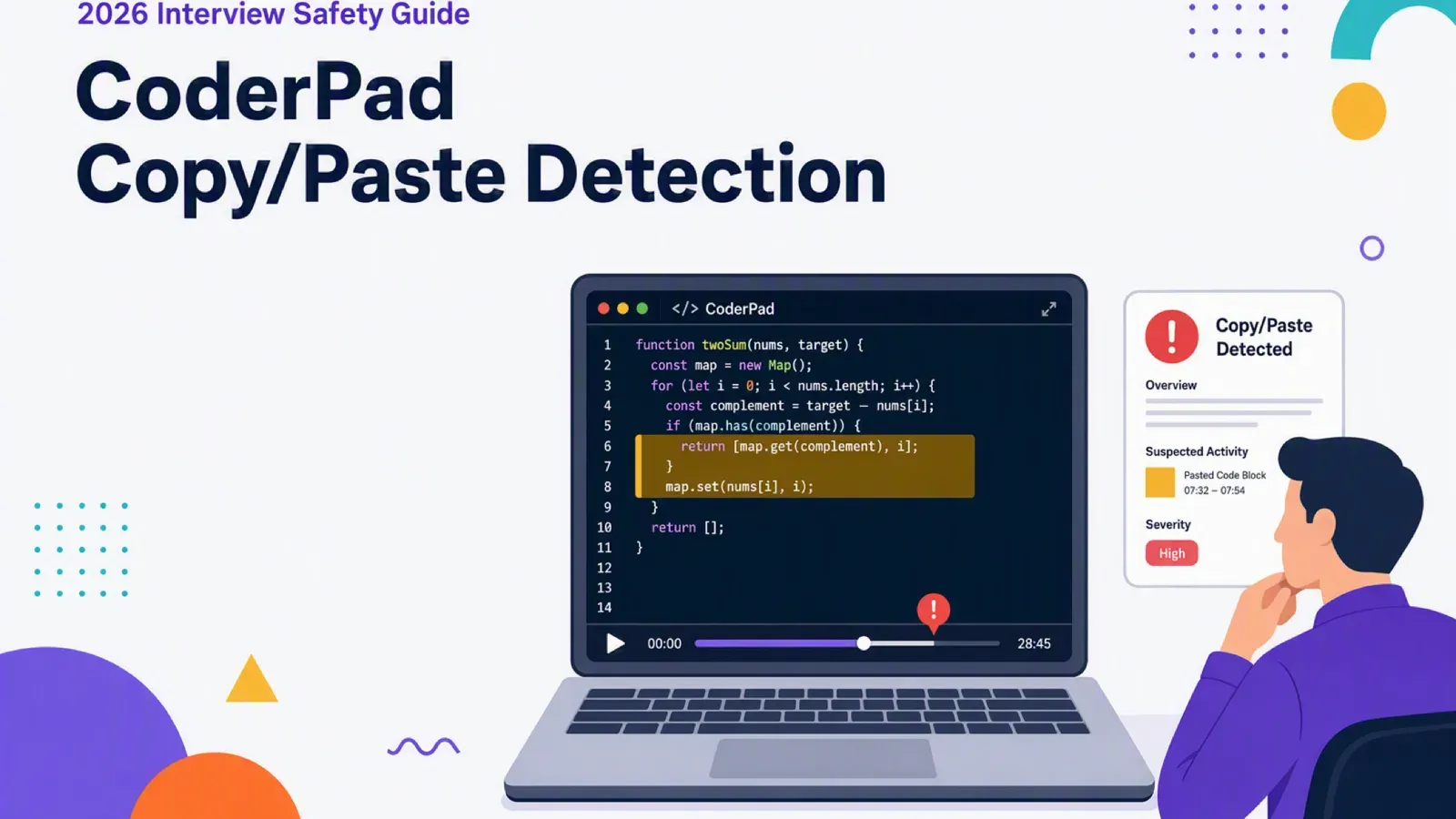
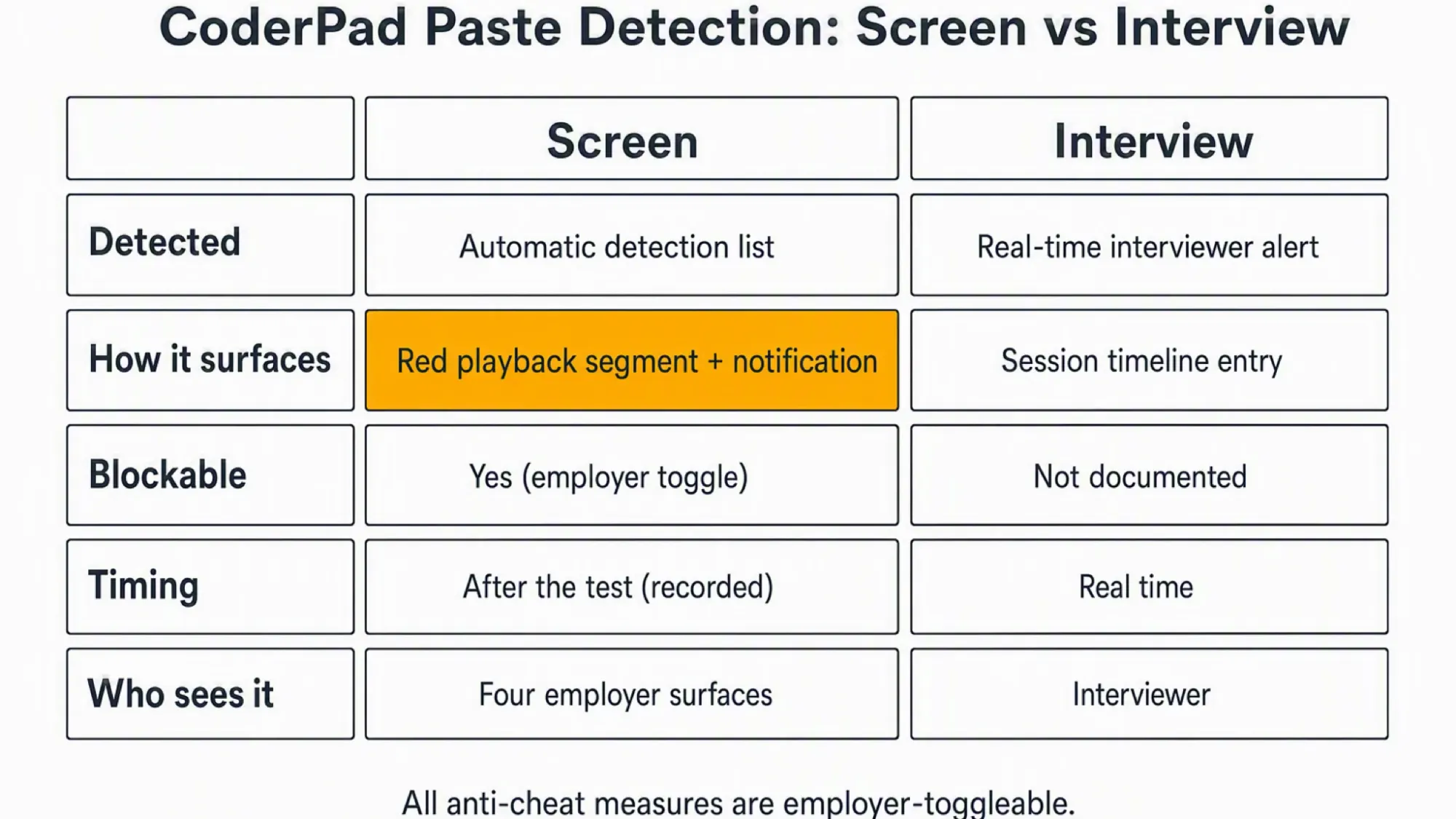
Yes, CoderPad detects pasting in both product lines as documented in 2026. A Screen test marks the paste on its playback record, and a live Interview alerts the interviewer in real time.
Detection and blocking are separate, and every anti-cheat measure is employer-toggleable. Pastes from outside the pad, including your own notes or an AI tool on the same screen, count as external. A safe setup keeps the answer surface off the monitored computer.
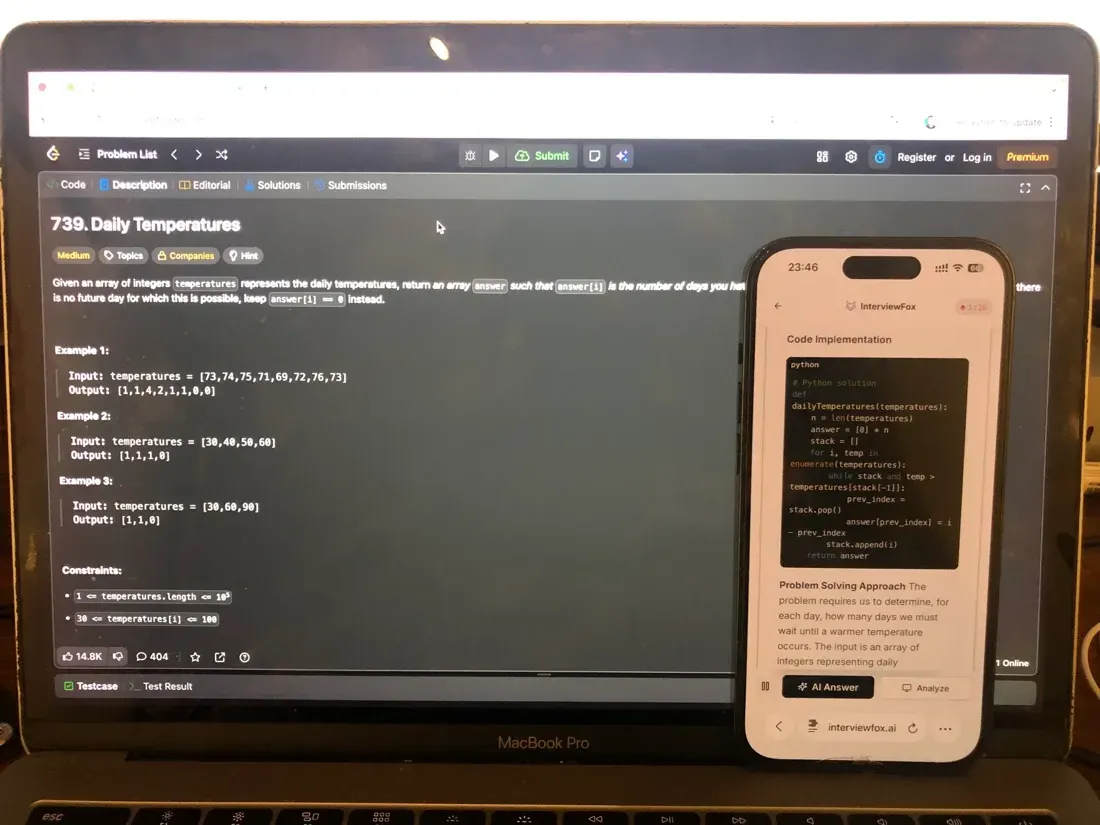
InterviewFox's dual-device mode is undetectable by software running on the monitored interview computer. The answer shows on your phone, so no InterviewFox window or process exists on the interview device. A dual device AI interview copilot removes the surface CoderPad can detect.
Can CoderPad Detect Copy/Paste in Screen and in Interview?
CoderPad runs two distinct products, and each one handles paste differently. Because the mechanisms differ, the split changes what you can expect when a paste happens.
Anti-cheat measures are employer-toggleable, so CoderPad can detect does not mean your test does. Still, the documented capability is present in both lines.
In a live CoderPad interview (Interview)
A live interview pad alerts the interviewer in real time when you paste code from an external source. The session timeline also records copy/paste events alongside edits, runs, and IDE exits.
CoderPad's Interview documentation describes both the alert and the timeline.
In an async CoderPad test (Screen)
An async Screen test lists copy/pasting under automatic detection. The paste also appears as a red segment on the code playback record. A notification says the code came from an external source.
The official Screen documentation confirms the list.
Pasting is only one behavior inside CoderPad's wider anti-cheat toolkit, so the full model sits beyond this page's scope. Our guide to how CoderPad detects cheating covers the complete picture.
What Counts as an External Paste
The word external decides everything, because CoderPad defines it as text obtained outside the IDE. Anything that arrives from outside the pad environment, however, sits on the external side.
Your own notes in a local editor count as external. So does anything copied from a browser tab, a notes app, or an AI tool.
Copying within the same pad is different. Instead, it carries no external-source label and reads as ordinary editing.
Pasting from ChatGPT or another AI tool
AI output enters the same external channel, so it triggers the same flag. CoderPad does not label it as AI-generated. The company says it does not detect whether a candidate used AI, even though the paste itself is visible.
Anything that renders on the interview computer sits inside the external-paste path. A dual device AI interview helper answers on your phone instead, so no assistant surface exists on the monitored screen.

Answers On Your Phone, Not Your Shared Screen
Skip the risky invisible-overlay tricks. Our dual-device mode keeps answers on your phone, never on the screen you're sharing or recording. Nothing for a platform or interviewer to catch, because there's nothing on the shared screen to find.
Get started. It's freeLoved by 100,000+ candidates
Software on the monitored computer cannot detect this setup, because no answer surface or InterviewFox process exists there.
What a Paste Looks Like in the Interviewer's Report
On Screen, a paste shows up as a red segment on the code playback timeline. Runs and submits appear in green, while writing shows in orange and time outside the test in light grey.
The playback bar adds a notification labeled Code was pasted from an external source. Playback shows when the paste happened, and it also shows what the pasted content was.
Does CoderPad read your clipboard?
No CoderPad document describes reading clipboard contents. Instead of clipboard inspection, the documented mechanism is the paste event plus the recorded coding activity. No source documents a paste count, size, or threshold.
When Pasting Is Blocked Instead of Just Detected
Detection and prevention are separate systems. CoderPad blocks pasting of the question statement automatically.
A separate option can also deactivate pasting text obtained outside the IDE. Employers control this through a Copy/paste blocking toggle in the test integrity settings. No source documents a default state.
A paste that is allowed is still recorded, so blocking and detection remain independent. Live interviews, in contrast, have no documented paste block at all.
What Happens After CoderPad Flags a Paste
A flag does not end the assessment by itself. CoderPad states, for example, that suspicious behavior does not always indicate cheating. Legitimate reasons for copy/pasting exist, and the company says so directly.
Where the flag shows up for the employer
The flag reaches four employer-facing surfaces. Code playback shows the paste, while a red exclamation icon appears in the candidate list. Both the simplified and the per-question report carry the alert.
Determination, however, is a manual employer action. An employer can check Candidate cheated on this exercise, remove points, and add a Cheated notice to the candidate.
Auto-rejection exists only as an employer-configured workflow, so the platform itself never disqualifies you. A flag is still something a person will look at, not an automatic verdict.
Whether the candidate is ever notified is not documented either way. Whether a flag travels beyond one assessment is also undocumented, so treat both as open questions.
Everyday Behaviors That Do Not Get You Flagged
Several feared behaviors sit outside CoderPad's documented monitoring. Yet each item below rests on a verified absence, never on a guarantee.
No source, for example, documents keystroke, typing-rhythm, or biometric monitoring in either product line. Webcam capture, when an employer enables it, is periodic snapshots rather than video or audio. It is not triggered by paste.
Copying inside the same pad carries no external-source label, because the external label tracks origin rather than authorship. No document claims the platform reads your clipboard or scans for AI-generated text.
CoderPad itself acknowledges legitimate reasons for copy/pasting, so a flag is an investigation prompt rather than a verdict.
The behaviors that do produce a flag, however, are concrete. External pastes, leaving the pad, near-identical code, and timing anomalies are the ones the records will show.
If you are preparing for a CoderPad assessment soon, a structured prep plan helps more than last-minute memorization. For example, InterviewFox's Prep Agent can shape that plan through WhatsApp or SMS. The context it builds carries into your live session.
Answers On Your Phone, Not Your Shared Screen
Skip the risky invisible-overlay tricks. Our dual-device mode keeps answers on your phone, never on the screen you're sharing or recording. Nothing for a platform or interviewer to catch, because there's nothing on the shared screen to find.
Get started. It's freeLoved by 100,000+ candidates
What else does CoderPad monitor?
Paste detection sits inside a larger monitoring set, and the platform documents several more behaviors.
- Leaving the pad: a tab or window switch triggers a real-time alert in Interview, and Screen reports leaving the IDE. Dropping out of full screen or switching monitors triggers an alert after a 10-second grace period.
- A replayable session record: Screen code playback replays coding activity, and the Interview timeline shows edits, runs, pastes, and IDE exits. Our guide to whether CoderPad records your screen covers the recording itself.
- Code similarity: a submission that exactly matches a previous candidate's code draws a flag.
- Timing anomalies: a hard question finished in a fraction of the usual time looks suspicious.
- Connection origin: the platform tracks IP and approximate location, including a location or device change mid-test.
- Webcam and conversation records: only when the employer enables them, periodic snapshots flag no face, multiple faces, or a different face. Interview can also log in-platform AI Assist usage and an auto-generated transcript.
FAQ
Does CoderPad record my screen or webcam when I paste? Paste detection is independent of recording. Screen code playback records activity in the pad, so the paste appears as a marker inside it. Webcam capture is a separate employer-enabled feature that takes snapshots only, and it is not triggered by paste.
Is CoderPad's copy/paste detection new or changed in 2026? No. Copy/paste tracking and a disable-copy-paste option were already documented on the features page published in 2023. No source documents a 2026-specific change, but all sources here were re-verified live on 2026-08-25.
Does a paste flag follow me beyond this assessment? Not documented. The four review surfaces are scoped to the test and its candidate report. No CoderPad document describes a flag traveling across an employer's pipeline or between employers.