

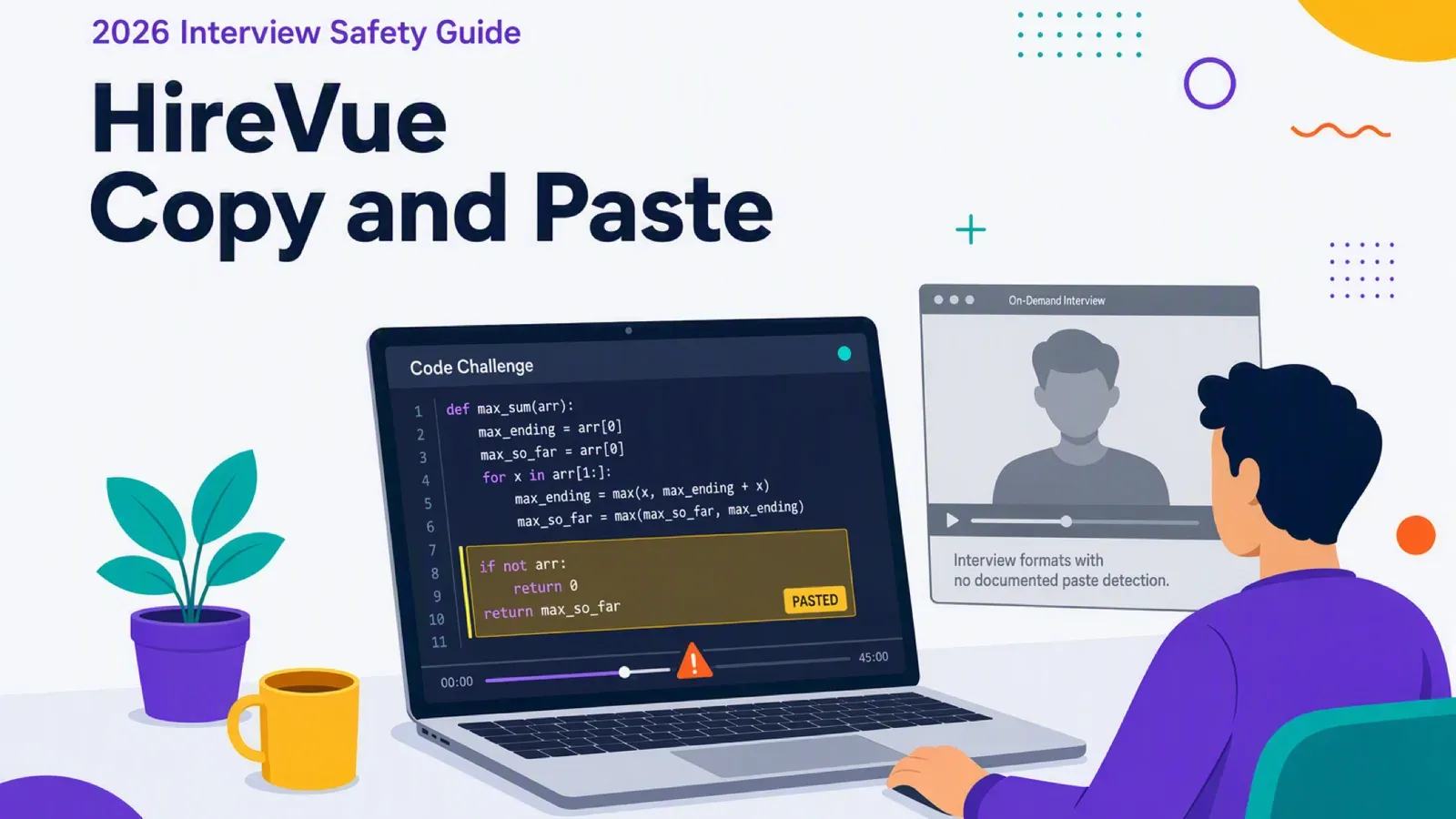
You are about to start a HireVue interview. The question in your head is if you paste a little outside help, will anyone know? You are weighing whether that help is worth the risk of being seen.
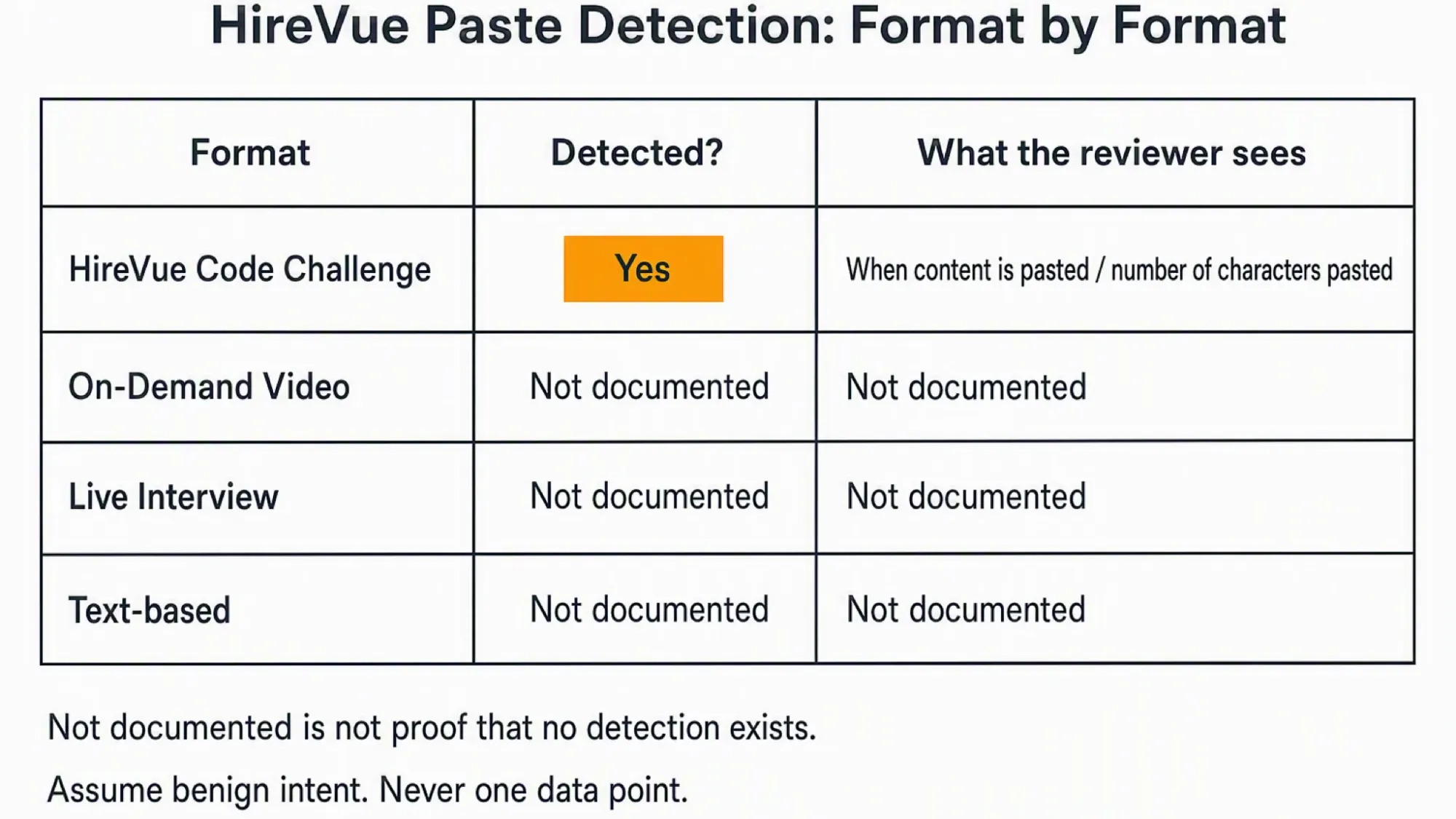
Yes, HireVue detects copy/paste inside its coding-assessment exercise as documented in 2026. No HireVue source documents detection in any other format.
Anything you paste into a code challenge appears in the reviewer's playback. A same-device tool on the interview computer feeds that playback. A safer setup keeps the answer surface off the monitored machine.
InterviewFox's dual-device mode is undetectable by software running on the monitored interview computer. The answer shows on your phone, so no InterviewFox surface exists on that machine. An AI interview tool uses that separate-device boundary.
Is copy/paste detected everywhere or only in coding?
The literal answer is yes, but only inside the coding-assessment exercise. Outside that format, no primary source documents paste detection at all.
The HireVue 2025 whitepaper on whether cheaters prosper describes the code challenge reviewer experience. It informs the reviewer when the user leaves the window and/or pastes text.
The same capability appears in the 2024 whitepaper and dates back to the 2019 CodeVue release. The evidence consistently scopes detection to the coding challenge.
That is the whole documented surface. No HireVue source describes paste detection for on-demand video, behavioral, text, or live formats. The most recent anti-cheating statement and the candidate FAQ are both silent on paste outside coding.
What about pasting into a video or live interview?
Those formats share the same answer. HireVue does not document paste detection for on-demand video, behavioral, or live interviews. That is not a promise that none exists. It is the honest limit of what any source states.
What a paste looks like to HireVue
Inside a code challenge, a paste is not invisible. It becomes a named entry on the reviewer's activity timeline.
A code-challenge activity timeline lists "When content is pasted" as its own entry. That entry sits separate from "Time spent in another browser window". HireVue's plagiarism explainer calls it out this way.
The reviewer also sees whether and when you pasted code, plus how many characters you pasted.
The paste marker and the browser-focus marker are separate event families. This keeps copy/paste distinct from tab switching. The reviewer treats them as two different signals.
Can HireVue read your clipboard, or only log the paste?
HireVue records a paste as an event plus a character count. No HireVue document describes reading the clipboard's contents. That is "not documented", not "cannot". A browser can technically read the clipboard, but HireVue's stated behavior does not.
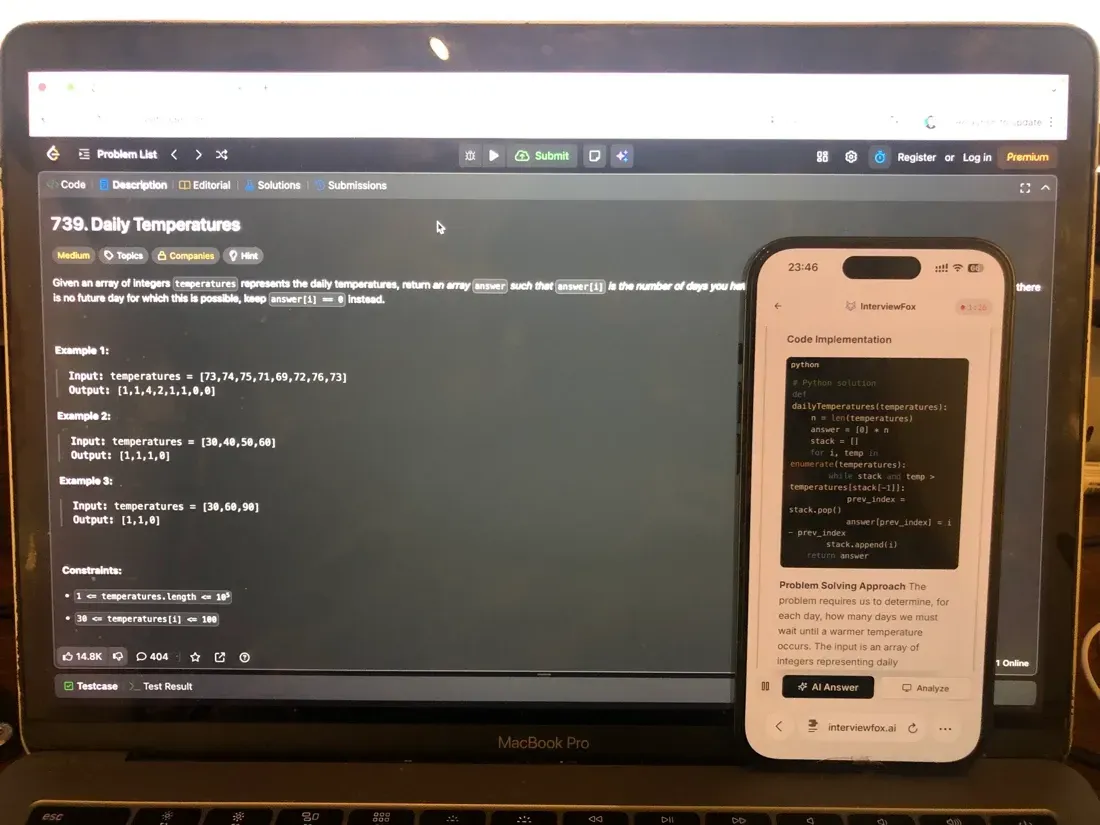
Here is the part that matters for your setup. Anything that renders on the interview computer can appear in that code-challenge playback. That includes a paste source or an AI answer panel. The answer surface you use on the same screen sits inside what the reviewer inspects.
A dual device AI interview helper answers on your phone instead. No answer surface, overlay, or InterviewFox process exists on the interview computer.

Answers On Your Phone, Not Your Shared Screen
Skip the risky invisible-overlay tricks. Our dual-device mode keeps answers on your phone, never on the screen you're sharing or recording. Nothing for a platform or interviewer to catch, because there's nothing on the shared screen to find.
Get started. It's freeLoved by 100,000+ candidates
Software on the monitored computer cannot detect this setup, because nothing to inspect runs there. Place the phone near the laptop camera or within your natural forward sightline. That avoids the conspicuous off-screen glance a phone in your lap creates.
Does HireVue block copy/paste or only detect it?
Detection and restriction are separate capabilities. HireVue can do both, and they do not always run together.
Since 2025, HireVue can disable copy and paste for a candidate's interview. When an employer turns that restriction on, HireVue notifies candidates. The 2025 whitepaper documents this as a shipped, candidate-notified control.
Earlier material listed the restriction as a future idea. The shipped source is the 2025 whitepaper, not the older roadmap. The restriction is a disable control, not detection. Even without that toggle, HireVue still records a paste inside a code challenge.
No HireVue source documents whether paste detection itself is employer-toggleable. The confirmed toggle applies to restriction, not to detection.
What happens after HireVue flags a paste?
A paste flag does not end the assessment by itself. It routes to a human reviewer who decides what the signal means.
HireVue tells recruiters to assume benign intent. A flag is a starting point, something a recruiter should look closer at. The platform does not define plagiarism; the employer decides.
No automatic rejection exists anywhere in the chain. HireVue also states that hiring decisions should never rest on a single data point. A reviewer may ask how you generated the code in a live follow-up.
How much pasting gets you flagged?
HireVue documents no paste count, size, or threshold. The reviewer looks at a four-step pattern instead. That pattern is an inactive start, focus away, a large paste, then instant pass without edits. It is inference, not proof. A single paste of your own code is not the flag trigger.
No HireVue source documents whether you are notified of a paste flag. HireVue confirms only the restriction-disable notice.
Everyday behaviors that do not get you flagged
Several feared behaviors sit outside HireVue's documented monitoring. Each item below rests on a verified absence or a logged-but-not-deciding fact, never on a guarantee.
The cross-candidate similarity check excludes reading your own prepared notes. HireVue's shared-script study targets responses that match another candidate, not notes you prepared. A note paste into the code editor is still a paste event.
HireVue logs a single paste but does not let it decide an outcome. It joins the record without forcing an outcome. The flag only gains weight inside a larger pattern.
Pasting code written in an allowed external IDE produces the same pattern as plagiarism. That pattern is a signal, not proof. A legitimate external-IDE developer produces it too.
HireVue documents no keystroke or typing-rhythm capture, so it stays an unknown rather than reassurance.
Does pasting your own prepared notes count as cheating?
The similarity check explicitly excludes notes a candidate prepared and read from. That exclusion is specific to the similarity check. Pasting those notes into the code editor still registers as a paste in playback.
Flags come from patterns, not single actions. The reviewer pattern that actually draws attention is an inactive start, focus away, a large paste, then instant pass. That is where the weight sits.
If you are preparing for a HireVue assessment, a structured prep plan helps more than last-minute copying. For example, InterviewFox's Prep Agent can build that plan through WhatsApp or SMS. The context it builds carries into your live session.
Answers On Your Phone, Not Your Shared Screen
Skip the risky invisible-overlay tricks. Our dual-device mode keeps answers on your phone, never on the screen you're sharing or recording. Nothing for a platform or interviewer to catch, because there's nothing on the shared screen to find.
Get started. It's freeLoved by 100,000+ candidates
What else does HireVue monitor?
Paste detection sits inside a larger monitoring set. HireVue documents several other behaviors beyond it.
- Switching tabs or windows is a separate focus signal from pasting. The record shows that you left the interview, never the page you opened. If you want to know how HireVue handles that focus event, our guide on whether HireVue can see when you switch tabs walks through the full signal.
- A replayable record of your coding session carries the paste marker. That playback is the same screen-like record the reviewer inspects. To understand what that capture can and cannot show, our guide on what HireVue's screen recording actually captures explains the boundary.
- Periodic webcam snapshots confirm the same person stays on camera. This is an employer-enabled identity check, not facial recognition.
- HireVue flags responses that closely match another candidate. HireVue's shared-script study compares written answers across candidates. The 0.4 score and the under 1 to 2 percent rate describe that cross-candidate similarity, not paste events.
- Code submissions similar to another candidate's draw a flag. HireVue uses MOSS similarity scoring to surface likely matches, and a human investigates before any call.
- Every flag routes to human review, and employers can restrict retakes in spontaneous mode. A flag is a decision aid, not a verdict. For the full platform-wide picture of which signals feed that review, our guide on how HireVue detects cheating across all its signals covers the complete model.
FAQ
Does HireVue catch pasting from ChatGPT or AI tools specifically? HireVue documents no dedicated AI-text detector. Pasted ChatGPT output in a code challenge is an ordinary paste event with the same timeline marker and reviewer visibility. That is not a safety guarantee. A large pasted AI answer still fits the reviewer's pattern.
Does HireVue record my screen or webcam when I paste? Paste detection is independent of recording. Code-challenge playback is the paste-signal carrier, and webcam capture is a separate employer-enabled snapshot feature. The act of pasting triggers neither.
Is HireVue's copy/paste detection new or changed for 2026? No. Code-challenge paste detection is long-standing, dating back to the 2019 CodeVue release. The restriction shipped in 2025. No primary source documents a 2026 change, and we re-verified all sources live on 2026-08-26.