
Does HackerRank Detect Screen Mirroring? (2026)
HackerRank detects screen mirroring only in Desktop App Mode. Browser Proctor, Secure, and standard tests have no direct mirroring check.
HackerRank detects screen mirroring only in Desktop App Mode. Browser Proctor, Secure, and standard tests have no direct mirroring check.
HackerRank does not detect a virtual machine, but Desktop App Mode blocks the test from launching on one. Browser modes document no VM control.
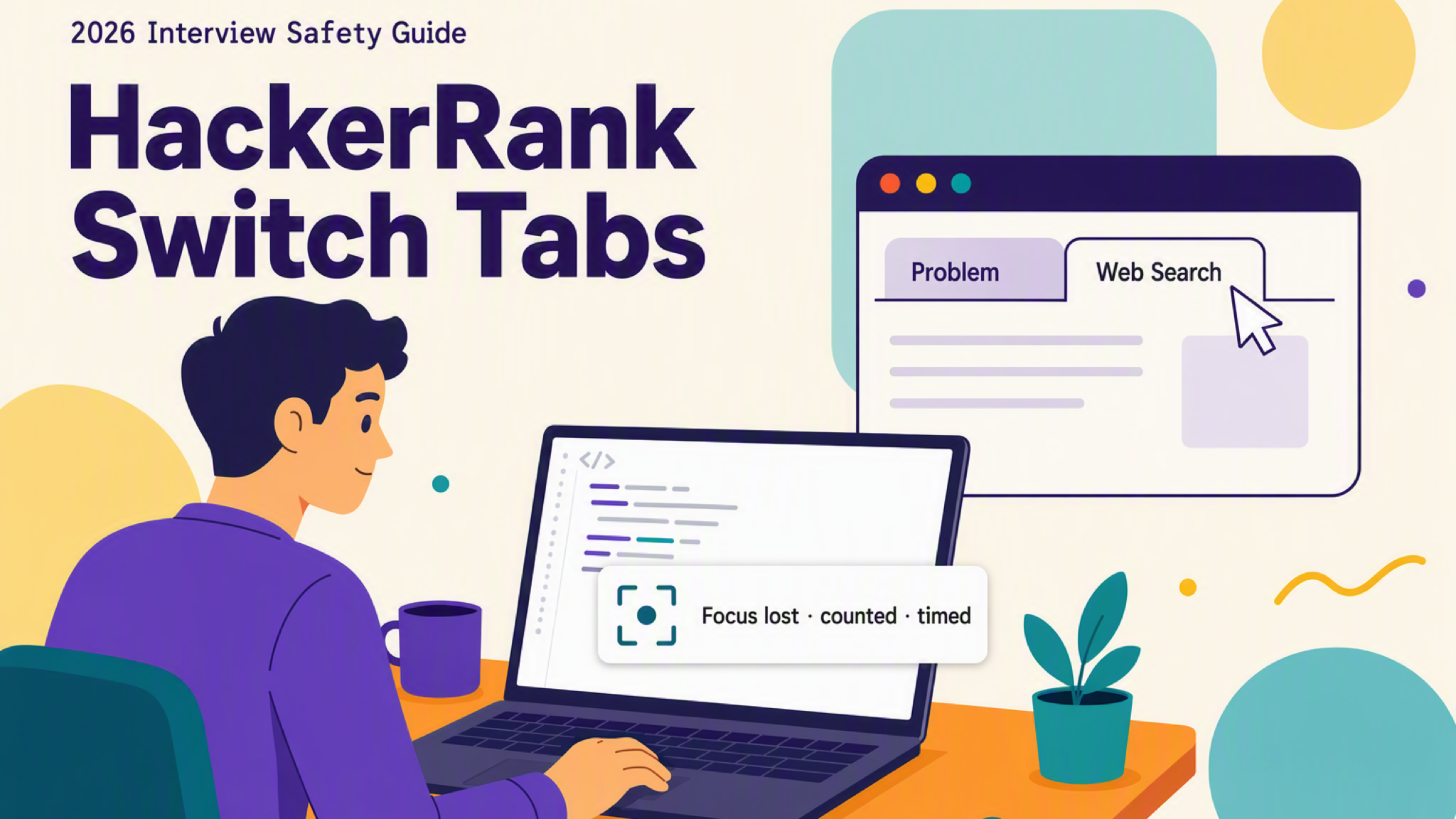
Can HackerRank see if you switch tabs? Yes, it logs window focus loss and duration, but not which site you opened unless screenshot analysis is on.
Yes — HireVue records that you left the tab, not what you opened. Here's what the reviewer sees and what's confirmed unknown in 2026.
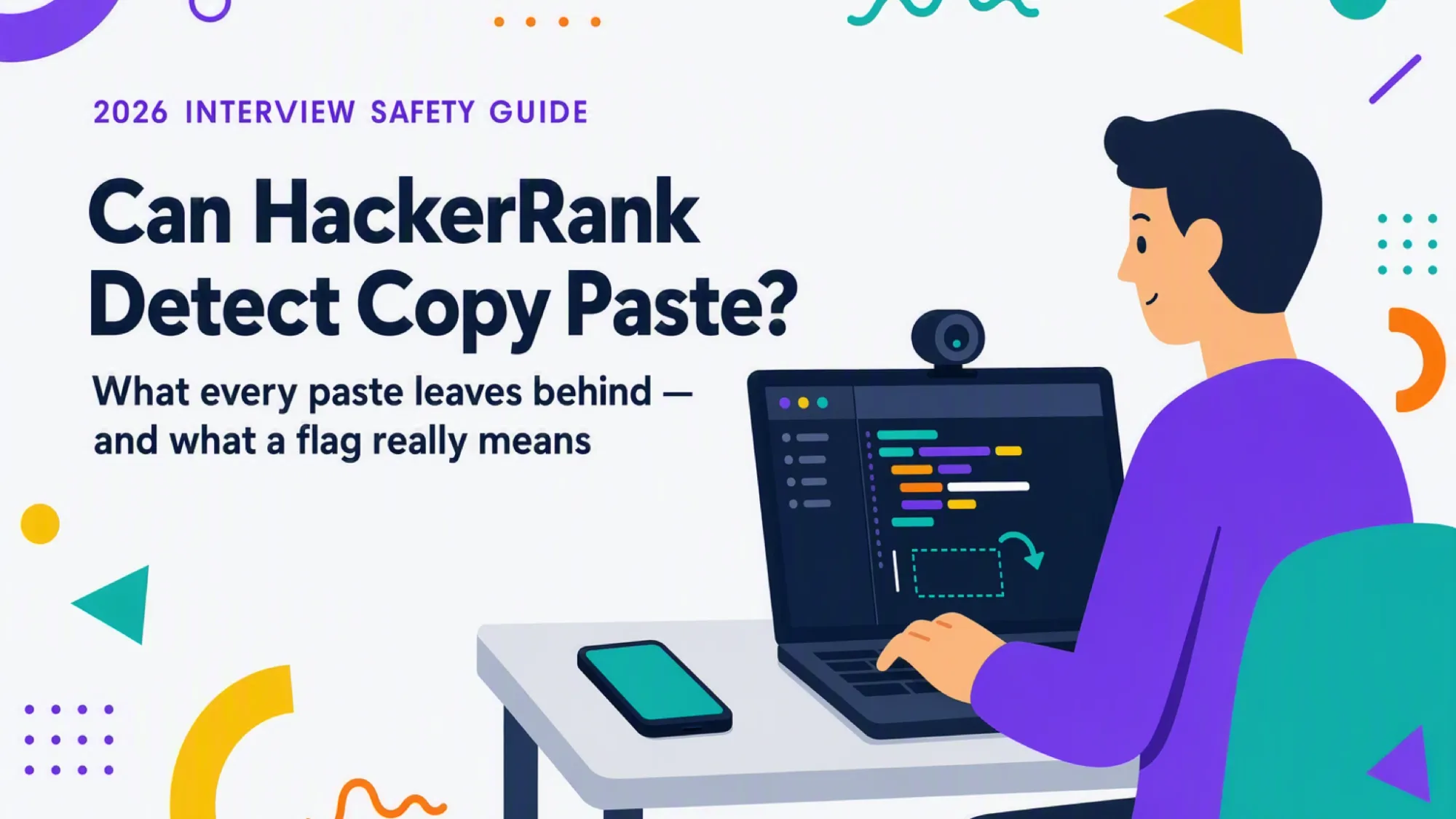
HackerRank tracks copy-paste on every test by default. It captures paste frequency and the lines you paste, flags external or large pastes, and sends any flag to human review.
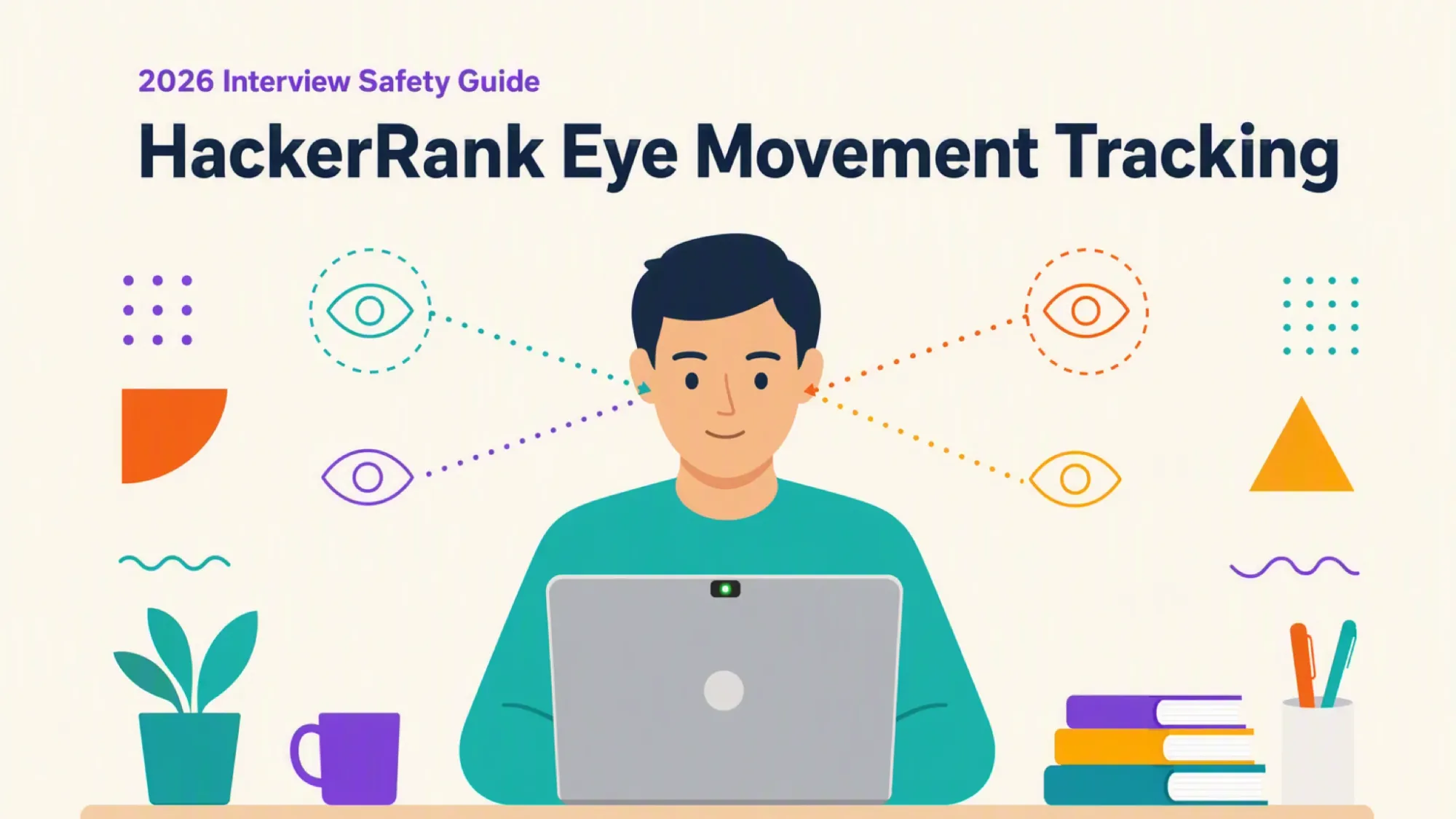
HackerRank does not track eye movement continuously, but its opt-in Gaze detection add-on reads eye and head movement from periodic webcam stills to flag repeated look-away patterns.